
NSFW Art Generator: Gensomnia Image Guide
This article contains affiliate links. We may earn a commission at no extra cost to you if you sign up through our links.
Most NSFW art generator lists bounce between generic prompt boxes and local model setups. Gensomnia is more concrete: pick a character, pick a pose, tune the scene, then generate.
I tested it as a practical NSFW art generator for users who want a fast image loop, preset characters, pose controls, and enough payment flexibility to fit more users. The short version: Gensomnia is not trying to be a full AI girlfriend platform. It is a focused image generator with a clean preset workflow.
The Short Answer
Gensomnia is worth testing if your main problem is speed: you can pick a character, choose pose + clothes + location + style, then generate an adult AI image without spending half the session writing prompts. I counted 89 preset characters and 20 pose presets during testing, with Advanced prompt mode available when the preset cards feel too narrow.
If you want a broader product with chat, voice calls, photo requests, video, and relationship memory, start with our NSFW AI art generator review or the AI girlfriend image generator guide instead. This article is specifically about the Gensomnia lane: fast adult image generation with presets, real controls, and fewer setup chores.
Who This Fits
The best audience for Gensomnia is narrower than the keyword sounds. It is for people who already know they want NSFW image generation, but keep running into prompt, setup, payment, or privacy friction.
- Preset-first users who want character and pose cards before writing custom prompts.
- Anime/fantasy art users who prefer a ready character library over building every scene from zero.
- Payment-sensitive users who prefer crypto or Telegram Stars to a regular adult card descriptor.
- Prompt beginners who want pose cards and character presets before writing custom prompts.
That focus matters. Gensomnia is not the place I would send someone who wants emotional companion chat or voice. For image-only sessions, though, it gets you from idea to generation quickly.
The Generator Flow
The main generator page is built around a simple stack: select or upload a character, choose Preset or Advanced mode, then tune the scene through four large cards. The cards are Pose, Clothes, Location, and Style. The bottom of the page has a persistent Generate button with the Stars cost.
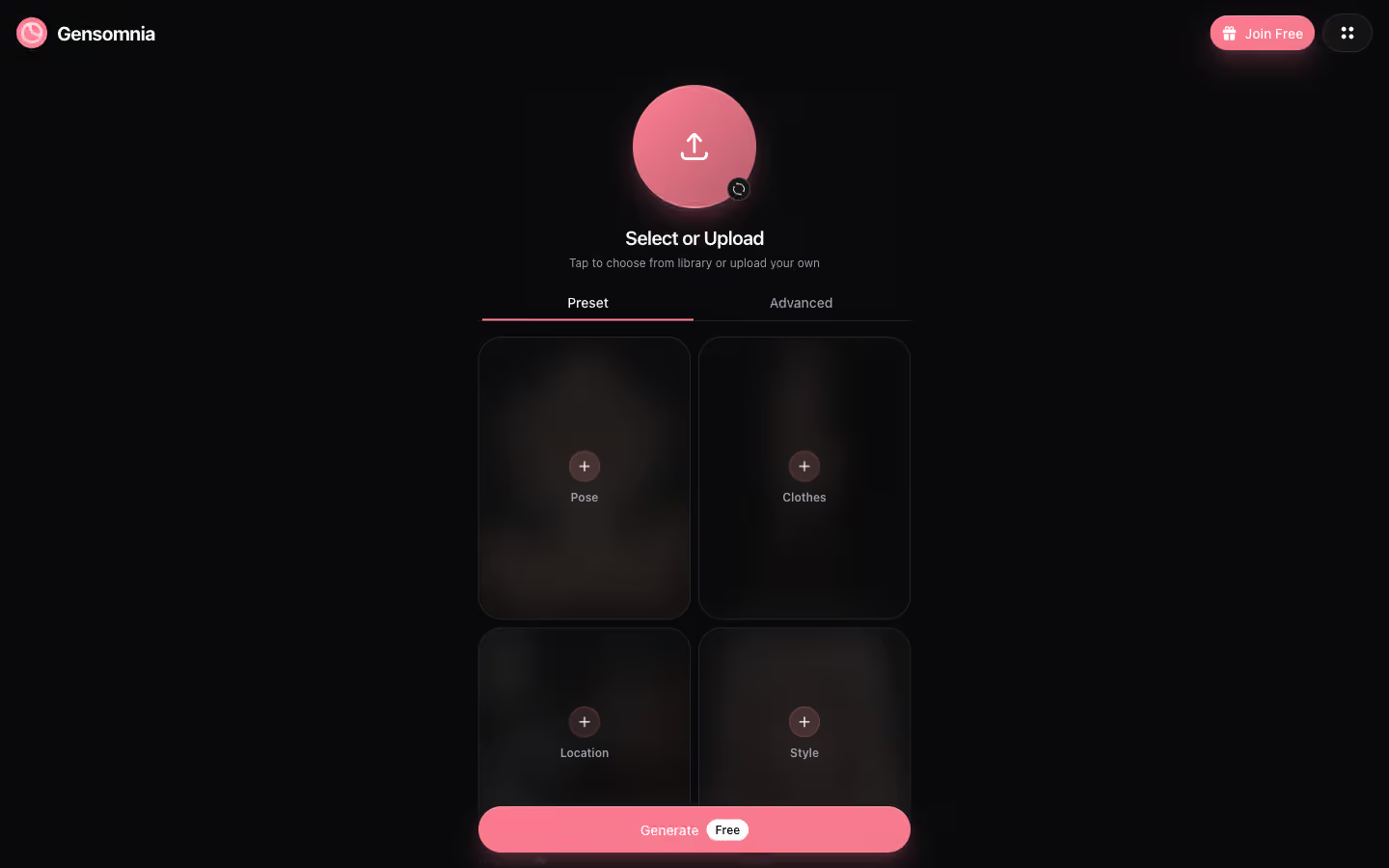
That layout is the right call for this use case. Local Stable Diffusion gives you more control, but it makes beginners manage checkpoints, samplers, LoRAs, ControlNet, negative prompts, and GPU settings. Here, the first result is a few clicks away.
| Need | Gensomnia fit | Tradeoff |
|---|---|---|
| Quick NSFW image generation | Strong: preset flow is fast | Less control than local models |
| Alternative checkout | Useful: crypto + Telegram Stars | Secondary benefit, not the main feature |
| Character variety | Good: 89 preset characters | Library leans toward pop-culture archetypes |
| Companion features | Weak: image-first product | Use GoLove.ai for chat, voice, and memory |
Character Library
The character library is the main shortcut. During testing, it showed 89 presets split across categories like Games, Anime, Cartoon, Comics, TV, and Vocaloid. For this review I am avoiding famous names on purpose: the safer way to build repeatable campaigns is to talk about original archetypes, not licensed characters.
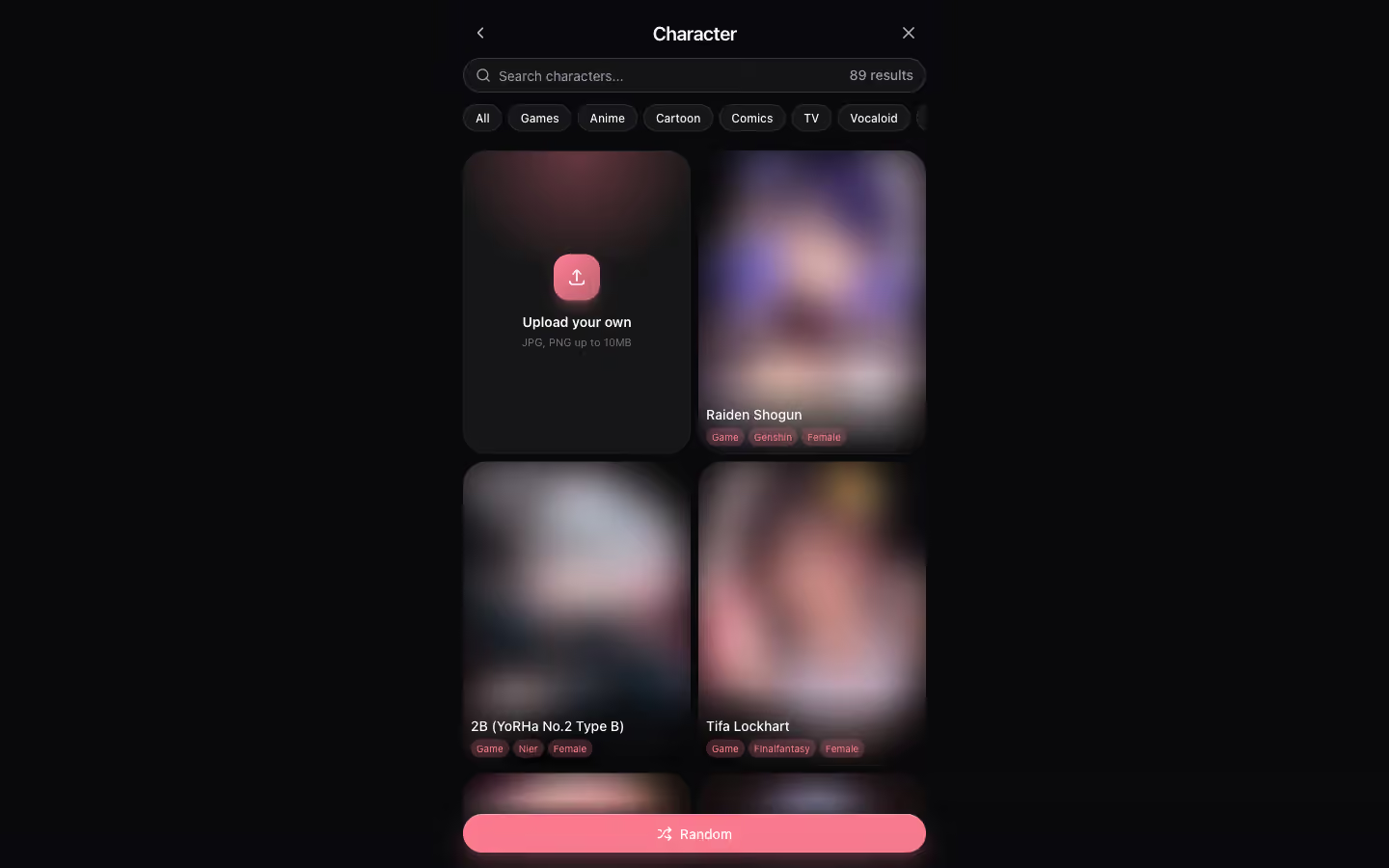
If you are testing content angles, this library is also useful because it tells you what users probably expect from the product: familiar fantasy, anime-style, gaming-style, and cosplay-adjacent looks. I would still write prompts around traits, wardrobe, scene, and mood rather than relying on a brand-name character.
Pose and Style Controls
The pose selector is where Gensomnia feels more like a product than a generic wrapper around a prompt box. I counted 20 pose presets, and the modal shows usage counters on the cards. That helps because the popular presets are not hidden behind guesswork.
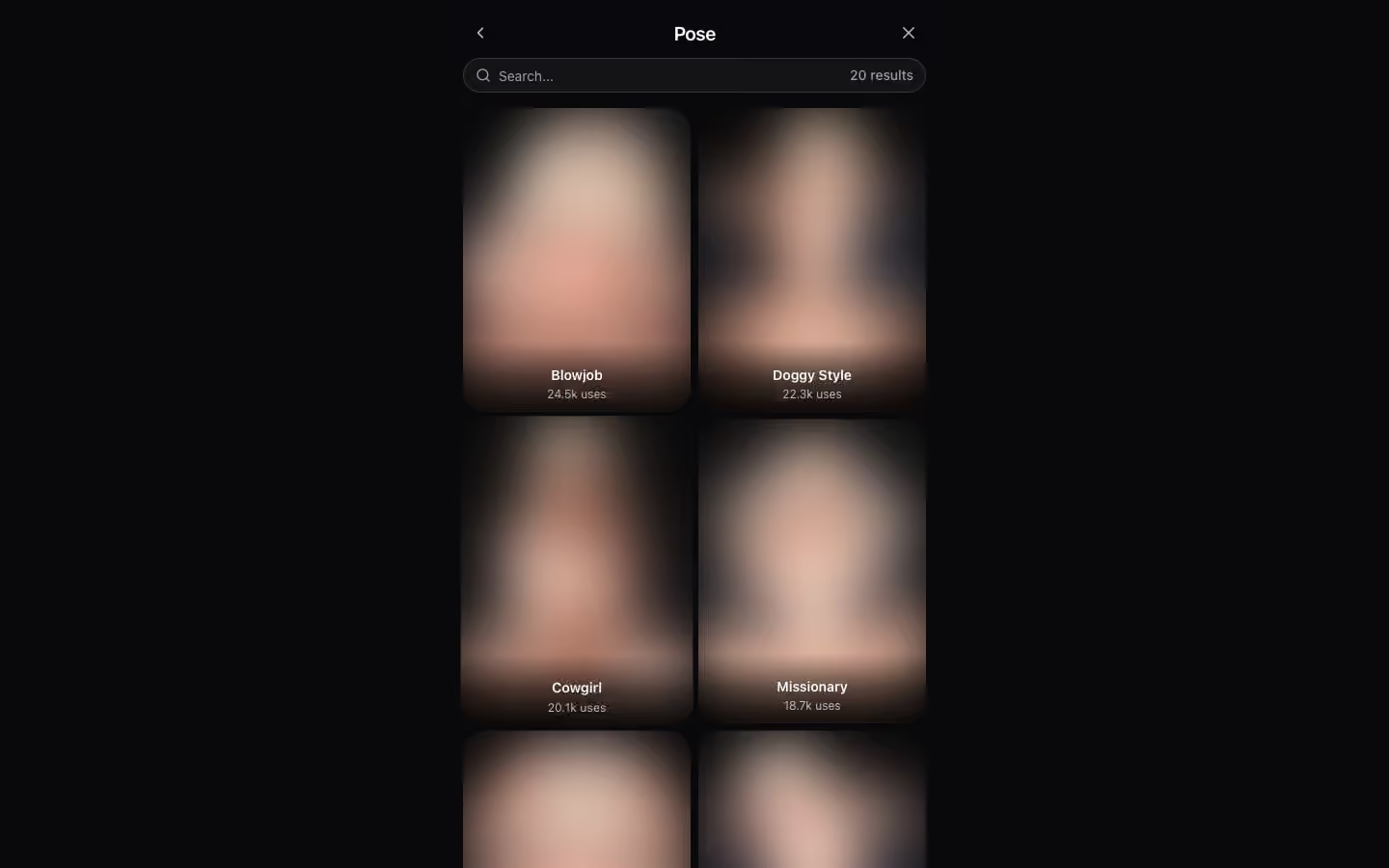
Clothes, location, and style work the same way. Pick a preset when you want speed, or switch to Advanced mode when the scene needs custom detail. My best results came from using presets for the broad setup and Advanced mode only for the small details the cards could not express.
Workflow and Privacy
The core workflow is the reason this article exists: character first, pose second, scene third, prompt tweaks only when needed. The checkout options are a useful side benefit. Gensomnia supports crypto and Telegram Stars, which helps users who do not want a regular adult descriptor on a card statement.
That does not make it automatically better for everyone. If you are in the US or Western Europe and your card works, GoLove.ai is still the more complete product for the broader adult companion use case. It has chat, voice calls, photo requests, videos, custom character creation, and a bigger relationship loop. Gensomnia wins only when the image-first product plus simple preset workflow matches your problem.
Quality and Limits
The quality is good enough for casual NSFW art generation, especially when you start from a preset character. The biggest limitation is that Gensomnia is not a full creative workstation. You do not get the same granular control you would have in a local ComfyUI setup, and you do not get the companion depth of a chat-first product.
- Use Preset mode when speed matters more than exact composition.
- Use Advanced mode when you need a specific background, outfit detail, or camera angle.
- Avoid building prompts around licensed names; describe the original character traits instead.
- Expect better results from one clear scene than from a long prompt stuffed with conflicting instructions.
The honest verdict is that Gensomnia is a very specific tool. If you judge it as a full AI girlfriend app, it loses. If you judge it as a quick NSFW art generator with presets that cut setup time, it becomes much more compelling.
Verdict
Use Gensomnia when you want adult image generation, preset-driven control, and a lightweight checkout path. Use GoLove.ai when you want the bigger companion product: chat, voice, photos, video, memory, and custom girlfriend creation.
For the exact keyword “NSFW art generator,” that split is important. Some users want a whole AI relationship product. Others want an image generator that works tonight with character presets and pose controls already in place. Gensomnia is for the second group.
Frequently Asked Questions
Related Articles

Gensomnia Review: Crypto-Pay NSFW AI Generator
Tested Gensomnia for two weeks — the NSFW AI generator that accepts crypto and Telegram Stars instead of cards. Honest screenshots, pros, cons.

NSFW AI Art Generator: 5 Tools for Adult Art
I tested 9 NSFW AI art generators over four weeks. Five stood out for composition control, style range, and output quality. Full breakdown with examples.

AI Porn Generator: How It Works (2026 Guide)
AI porn generator with 34 poses, custom prompts, and photorealistic results. I tested the top options — here's what actually delivers quality NSFW images.

AI Girlfriend Chat With Pictures: How It Works
Watch AI girlfriends send photos mid-conversation with real screenshots. See how GoLove’s inline feature works. No switching apps. Browse characters.