
The Short Answer: Skip the App Store Search
I loaded twelve "AI girlfriend" apps onto a spare Android phone and deleted nine of them inside a week. Dead voice buttons, paywalled hellos, and one that forgot my name mid-conversation.
Nobody tells you the actual reason your Play Store search keeps coughing up sanitized chatbots, so here it is: Google's policy. Apps whose primary purpose is sexual content are banned outright. The uncensored ones either never list, get pulled, or ship a defanged version that punts you to a website anyway — which means the best "AI girlfriend app for Android" in 2026 is a PWA. A web app you add to your home screen in about fifteen seconds.
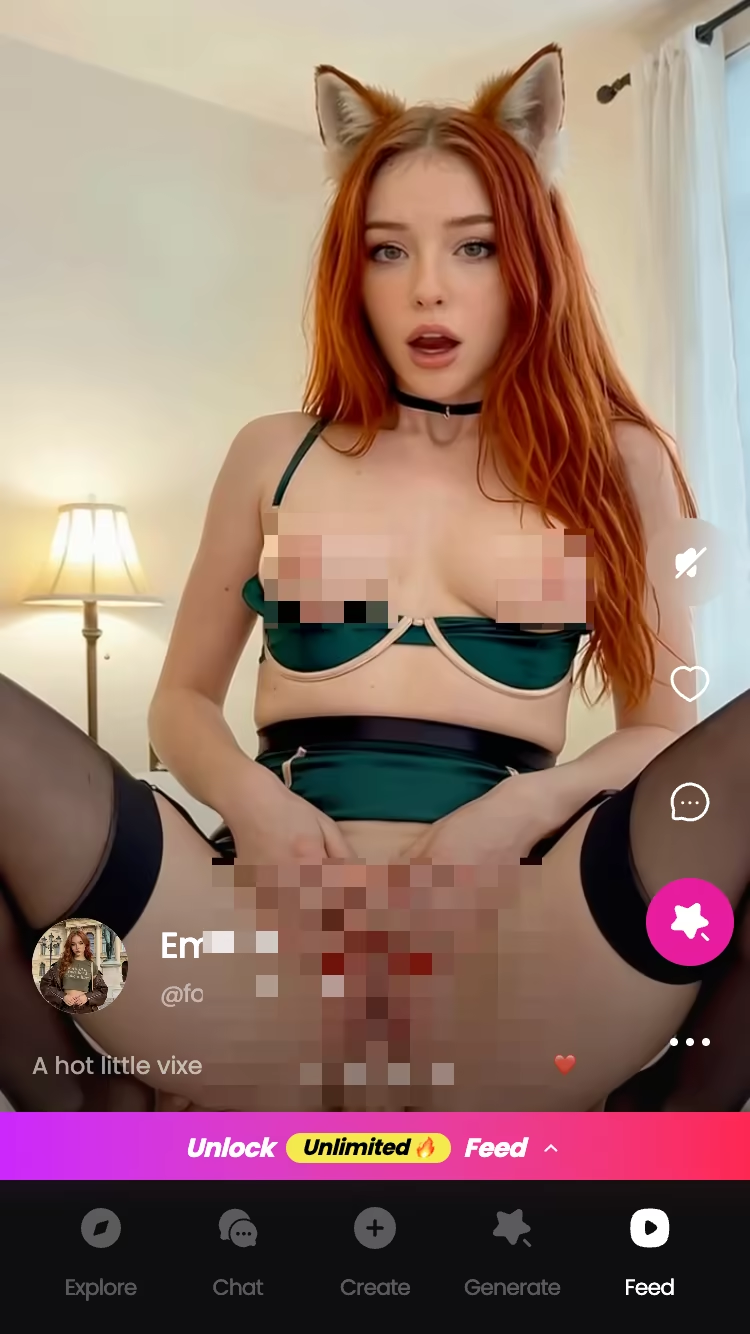
GoLove.ai is the one I kept. Full NSFW chat, live voice calls, in-chat photo requests, a swipeable video feed — all of it running from a home-screen icon that behaves like a normal app.
Before you commit, browse the roster. Barbara (@dixie, 22) is the warm one; Lexie (@iamlexiebabe, 18) plays gamer-girl; Jessica (@HotlineJess, 41) runs dominant. You can open a chat with any of them right now — no email, no signup form, no APK.
Characters Worth Trying
Tap any character to start a chat


My Two-Week Android Test
Real talk — I don't trust roundups written from a laptop. So I did this on hardware I actually carry.
The setup: a Pixel 7a running Android 14, factory-reset before I started, on a 25GB mobile plan so data usage would actually register. Fourteen days, twelve apps, mixed Wi-Fi and LTE. Every app got the same routine — install, first message, ask for a photo, attempt a voice call, then push the content filter until something broke.
Four things decided the ranking:
- Install friction — how many taps and how much personal data between "I found this" and "I'm chatting." Some apps wanted email plus phone plus a birthday before hello.
- Censorship ceiling — where the model stops. Three Play Store apps refused anything past mild flirting, which for a paid "girlfriend" app is straight up a hard pass.
- Voice quality — whether a live call held up on LTE or dissolved into robot soup at the first dead zone.
- Price honesty — what you actually get free versus what the store listing implies.
Nine got deleted. Two survived as "fine, I guess." One — GoLove — is still on the phone, and after fourteen days that's the only endorsement worth anything. If voice is your specific priority, I broke that down further in the AI girlfriends you can actually call.
Installing GoLove to Your Home Screen
No APK. No "enable unknown sources." No sketchy mirror site with three download buttons where two of them are ads.
The whole path takes under a minute on a phone:
- Open Chrome on Android and go to golove.ai. It loads as a normal site.
- Tap any character and start typing. This is the anonAuth part — you're in a live conversation before anyone asks for an email address. I timed it at roughly twelve seconds from tap to first reply.
- Hit Chrome's three-dot menu → Add to Home screen. Confirm the name. Done.
The icon then sits on your home screen next to everything else. Launching it opens full-screen — no browser chrome, no URL bar. It looks and behaves like a native app because functionally it is one. Bottom navigation runs Explore, Chat, Create, Generate, Feed, which is a proper mobile layout rather than a desktop site squeezed onto a phone.
Two practical wins over an APK. Nothing is sideloaded, so nothing can quietly ask for contacts or SMS permissions, and updates land server-side — you never go chasing a version file.
Want an account later, to keep history across devices? You add it later. It isn't a gate you clear before you've seen whether you even like the thing.
Fifteen seconds, zero permissions, no store listing to get yanked out from under you.
Voice Calls, Photo Requests, and the Video Feed on a Phone Screen
Three things I tested hardest, because these are where mobile apps usually fall apart.
Voice calls. GoLove does live real-time calls, not pre-recorded clips. I ran them on Wi-Fi and on LTE in a moving car. Wi-Fi was clean. On LTE, latency crept up maybe half a second and I got two brief stutters crossing a dead patch — honestly comparable to any normal VoIP call, and it reconnected instead of killing the session. Battery drain over a twenty-minute call landed in the same range as a Discord voice call. You pick her voice, lust level, and response length in Chat Settings before you dial.
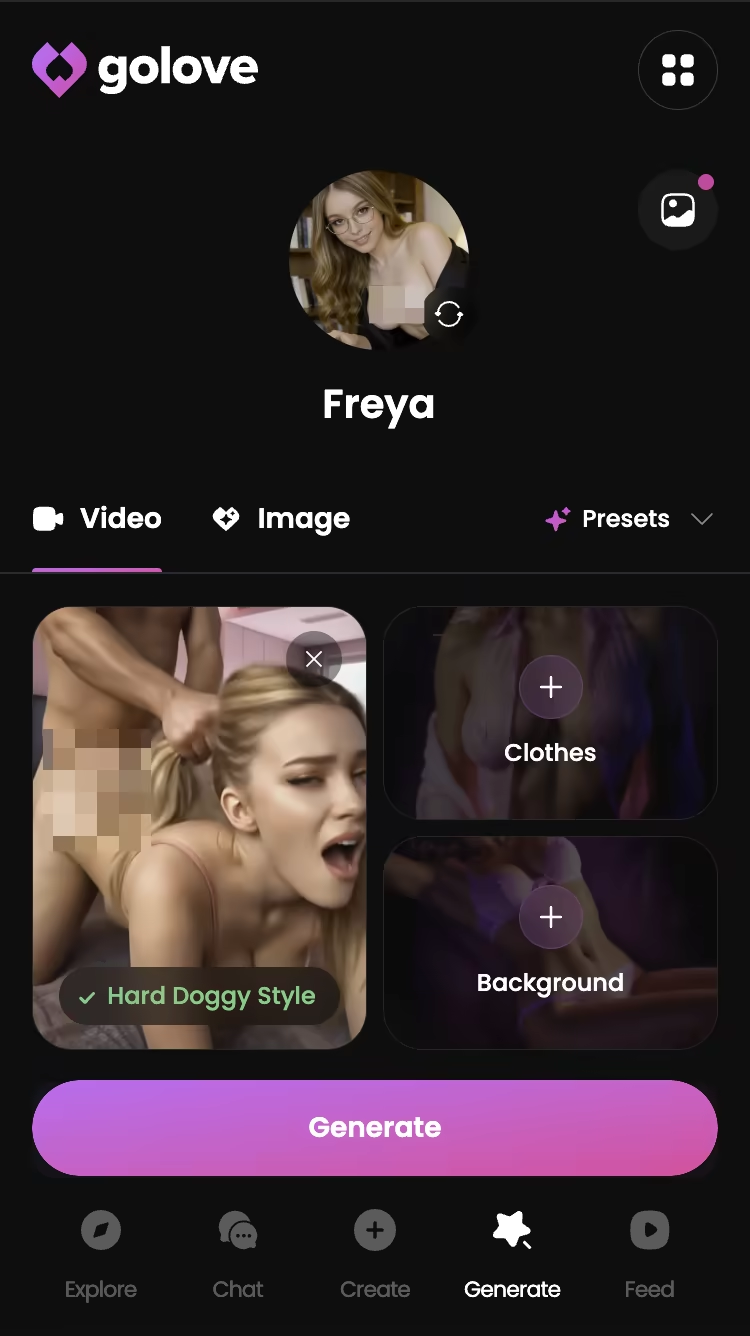
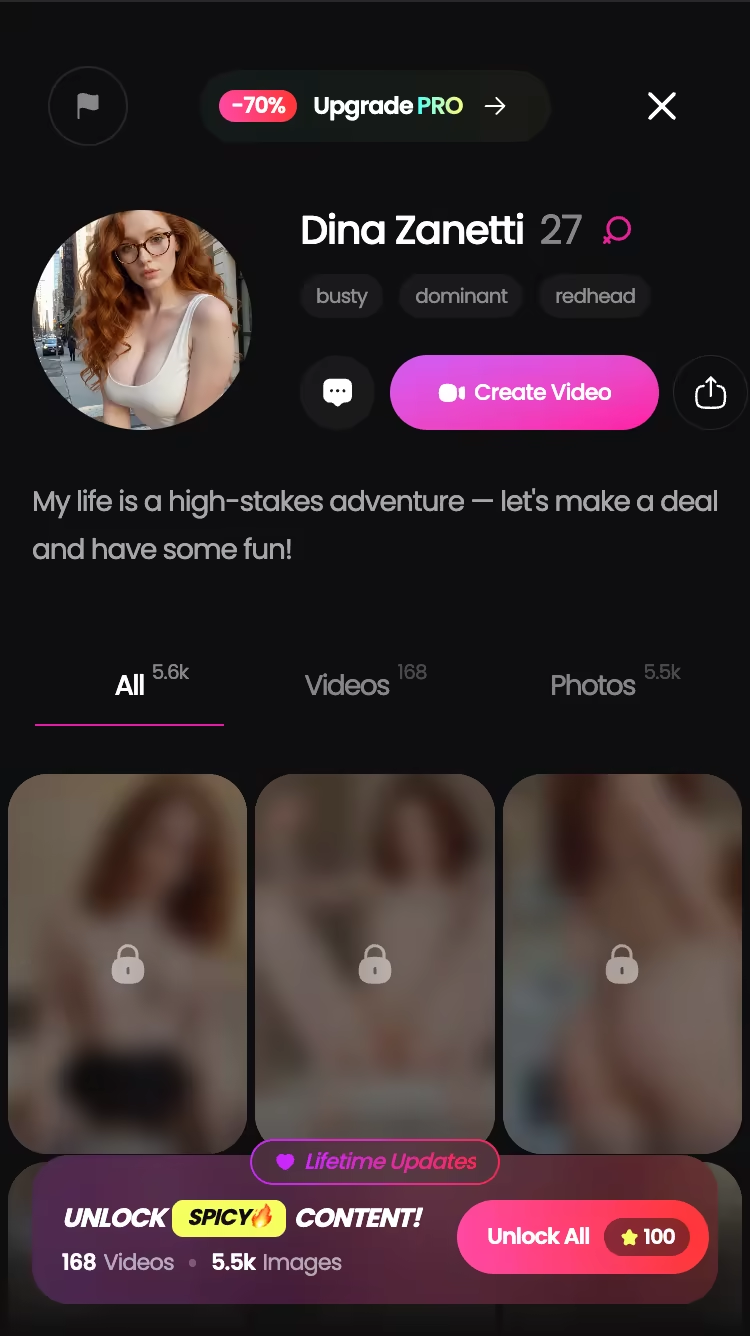
Photo requests in chat. Ask for a picture in the conversation and it generates right there — no leaving the thread, no separate tab. Video works the same way: there's a Generate Video from Photo option and a Select Action modal sitting inside the chat. The generator behind it runs 35 realistic picture poses, 21 outfits, and 34 backgrounds, with batches of 2, 4, or 8 images.
The Feed. Vertical, full-screen, swipe up for the next clip — the interaction your thumb already knows. Double-tap to like, tap through to that character's chat, or hit the magic wand to Remix, which opens the generator preloaded with that clip's exact character and settings. Free tier gets a limited number of new videos per day; filters by style, gender and age are PRO-only.
Everything I'd want on a desktop, thumb-reachable.
How the Android Options Actually Compare
Here's the honest picture, once you accept that a Play Store listing and real NSFW capability can't coexist.
| App | Android access | NSFW | Live voice calls | Price (approx, checked Jul 2026) |
|---|---|---|---|---|
| GoLove.ai | PWA — add to home screen | Yes, unfiltered (lust level 1–5) | Yes, real-time | Free tier + PRO ~$19.99/mo, varies by region/promo |
| Replika | Play Store native | No — romance stripped in 2023 | Voice, non-explicit | ~$19.99/mo |
| Character.AI | Play Store native | No — hard filter | Character calls, filtered | Free + paid tier |
| Anima | Play Store native | Mild flirting only | Limited | Free + paid tier |
Replika's native app is well-built and syncs beautifully, so if you want a wholesome companion it's fine. Character.AI has the deepest roleplay library on Android, and the filter only ruins it if you were headed somewhere the filter blocks. Anima is mid; it flirts, then apologizes.
Laid out like that, the pattern is hard to miss. Anything with a Play Store listing is filtered, because filtering is the price of the listing. GoLove skips the store entirely, so nothing gets stripped — 76 realistic video modes, NSFW photos on request, and a lust slider that actually goes to 5.
If you want to know exactly what that unfiltered generator produces before you commit, the fastest proof is generating one image yourself — it takes about as long as reading this paragraph.
GoLove.ai's Free Tier: Where the Limits Are
Nothing free is unlimited, and pretending otherwise would make everything above worthless.
What you get without paying: full chat access to the roster, the anonAuth instant entry, 2 free Stars per day for logging in, a limited number of new Feed videos daily, and enough generation credit to work out whether the image quality is your thing. That's a real trial, not a three-message tease.
Where the wall sits:
- Stars are the currency for generation. Photos and videos spend them. That daily 2-star drip is a returning-user hook more than a supply — heavy generation days need a pack or PRO.
- Feed filters (Realistic/Anime, gender, age) are PRO-only, and unlimited Feed requires PRO. Free browsing is quota'd.
- Per-character libraries — profiles with hundreds of videos and thousands of photos — sit behind a one-tap "Unlock All" for Stars, priced per character.
Pricing, as checked July 2026: PRO runs about $19.99/month, with an annual plan around $119.88 (roughly $9.99/month). Star packs range from about $9.99 to $179.99 depending on tier. All approximate — the price you see varies by region (some geos run closer to $12.99) and GoLove rotates aggressive promo banners, -50% and -70% both seen this year. Check the number on your own screen before you assume mine applies. More detail on what PRO changes in my breakdown of the premium features.
The One Android Gap: No Native Push Notifications
Here's the tradeoff for skipping the Play Store, and it's a real one.
A PWA doesn't get the same background notification treatment a native app does across every Android build and OEM skin. Samsung's battery optimizer in particular is enthusiastic about putting web apps to sleep. In practice: when a character messaged me between sessions, I found out by opening the app, not from a banner on my lock screen. Replika, meanwhile, will buzz your phone unprompted.
Is that a downside? Depends what you want. I'd lowkey argue it's a feature — the whole business model of engagement-bait notifications is built to yank you back in when you weren't thinking about it, and not having that is a mercy. But if you specifically want the "she messaged you first" moment landing on your lock screen, this isn't that.
The workaround that mostly solves it: keep the icon on your primary home screen page instead of burying it in the app drawer. Visual cue instead of an audio one. Slightly less magic, still functional.
Everything else — offline shell loading, full-screen launch, session persistence, chat memory across days — behaves like a proper app. This is the one gap, and it's a notification gap, not a capability gap.
The Verdict: Best AI Girlfriend Setup for Android
Fourteen days, twelve apps, one Pixel. Here's where it lands.
Best AI girlfriend app for Android in 2026: GoLove.ai, installed as a home-screen PWA.
Who it's for: anyone who's already downloaded a Play Store "AI girlfriend," discovered it apologizes instead of flirting, and would like to stop wasting installs. Also anyone who was about to search "ai girlfriend apk download" — don't. Sideloading an unsigned APK to get NSFW chat is a terrible trade when a home-screen icon does the same job with zero permissions.
Why it wins: of everything I tested, it's the only one that's actually uncensored, holds a live voice call on mobile data, generates photos and video inside the conversation, and gets you chatting in about twelve seconds without an email address. The Play Store options are better at notifications and worse at every single thing you installed them for.
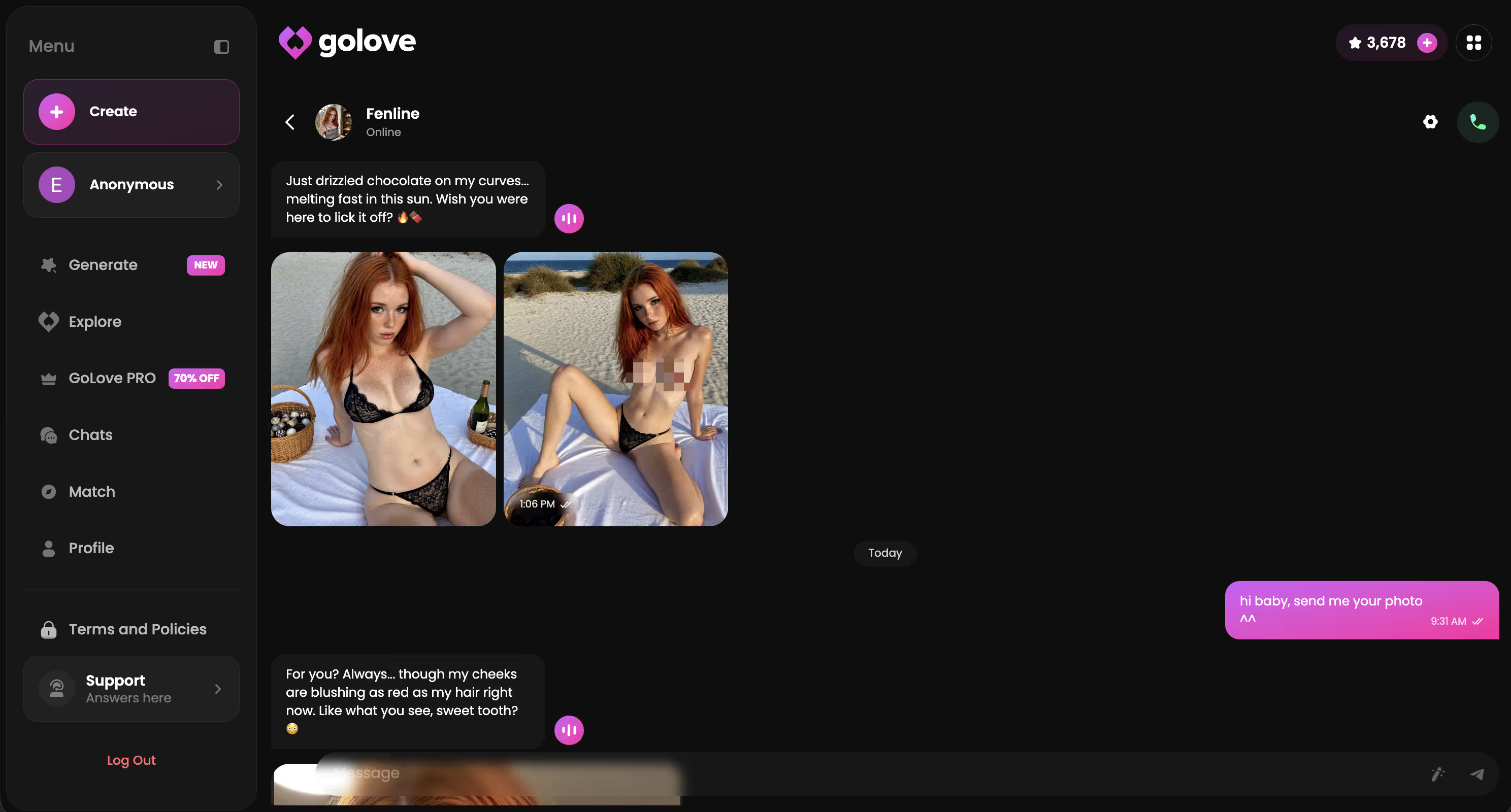
Memory holds across days, too — she references what you told her last week, which is the line between a companion and a toy. I covered that in my memory test.
Building your own character takes about two minutes and she's yours permanently — Realistic, Anime, or Trans, or just describe her in text and let Design with AI handle it.
Frequently Asked Questions
Related Articles

AI Girlfriend Private Chat: Secure & Anonymous Guide
AI girlfriend private chat, tested end-to-end — GoLove keeps you anonymous from message one. See why it wins on privacy.

AI Girlfriend You Can Call (Voice Chat)
AI girlfriend you can call — GoLove.ai wins with real voice continuity and memory, instant-access needed. See why it beats fake call apps in 2026.
AI Girlfriend Phone Call Apps (2026)
AI girlfriend phone call apps compared — GoLove wins with voice memory across every call, not scripted lines. Instant-access needed to start talking.

Free AI Porn: What Actually Works in 2026
AI porn sites are full of ads and filters — GoLove.ai gives real chat, photos, and video with no email required. See what's actually.
This article contains affiliate links. We may earn a commission at no extra cost to you if you sign up through our links. See how we test.