
The Short Answer: Which App Actually Sends Pictures That Match the Chat
I've asked forty different AI girlfriends to send me a photo. Most sent me a stranger.
That's the whole problem with "ai girlfriend chat with pictures" as a category. The marketing screenshots look great. Then you ask for a second photo in the same conversation and the face changes — different jawline, different hair, different girl. You're not chatting with a character at that point, you're pulling a slot machine attached to a stock image API.
GoLove.ai is the pick. Its in-chat photo requests stay locked to the character you're already talking to, and the image lands inside the thread — same face, referencing what you just said, not a random render sitting in a separate tab.
| | |
|---|---| | Scorecard | Face consistency 9/10 · In-chat latency 8/10 · Realism 8.5/10 | | Who it's for | Guys who want photos in the conversation, not a bolted-on generator | | Deal-breaker | Heavy photo use burns Stars faster than you'd expect |
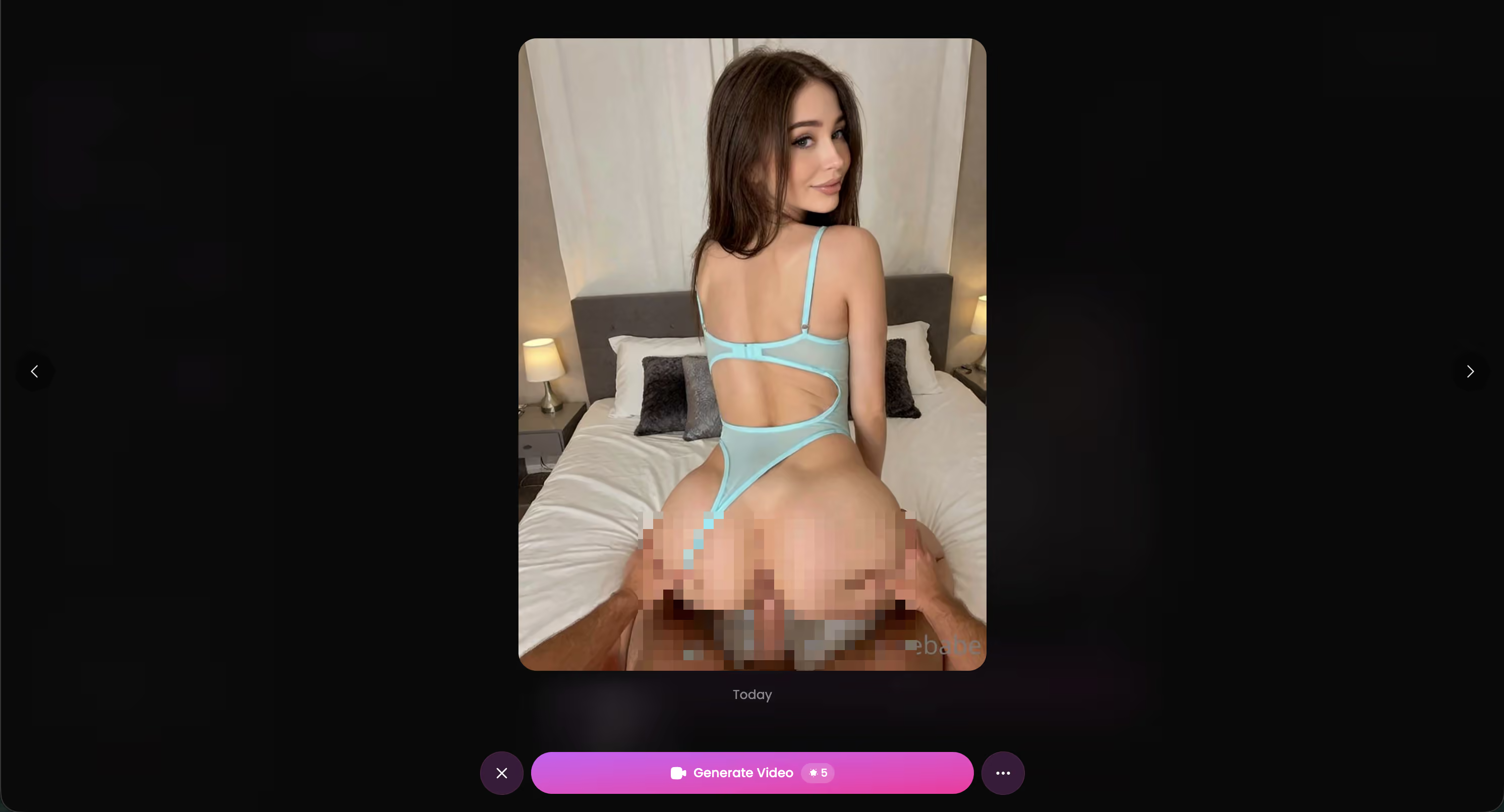
The characters aren't placeholder art either. Jessica (@HotlineJess) and Lexie (@iamlexiebabe) are real profiles with their own photo libraries — the same face you see in Explore is the face that shows up in your chat. Try one now before you pay for a competitor's credits.
Characters Worth Trying
Tap any character to start a chat


How I Actually Tested This
Real talk — most "best AI girlfriend with pictures" roundups are written from a pricing page. I ran this differently.
Fourteen apps, six weeks, the same protocol in every single one. I paid for the entry tier on each (no press accounts, no comped credits) and ran an identical script so the results were actually comparable.
The protocol:
- Five identical prompts in every app — a greeting, a personal question, a flirty escalation, an explicit ask, and a plain "send me a pic."
- Three follow-up photo requests in the same thread, spaced ~10 messages apart, to test whether the face held or drifted.
- Timed latency with a stopwatch from send to image render, three samples per app, median taken.
- Cost tracking — I logged credit/Star burn per image so I could work out cost-per-photo, not just the sticker subscription.
- Outfit callback — I'd mention something specific ("wear the black one") and check if the image honored it.
Same phone, same connection, same time of day. This is a narrower slice of the AI girlfriend apps I compared(/blog/free-ai-girlfriend-apps) — here I only cared about one thing: does the picture match the conversation.
Where GoLove Pulls Ahead: Requesting a Photo Mid-Chat
Here's the structural difference nobody explains. Three things get sold as "ai girlfriend chat with pictures," and only one of them is real:
- Static galleries — a pre-rendered set attached to the character. Same 40 images for every user. Fine, but it's a photo album, not a conversation.
- A bolted-on generator — you leave the chat, open a separate tab, type a prompt, wait, then come back. The character context is gone. Most apps do this.
- In-chat requests — you ask inside the thread and the image arrives inside the thread, generated for that character, in that moment. This is the one that actually feels like anything.
GoLove does the third. The flow on mobile:
- Open an active chat, tap the photo request control (it sits right in the composer, not buried in a menu).
- She acknowledges the ask in-character first — if you'd been talking about her being at the gym, the render leans that way rather than defaulting to generic bedroom lighting.
- The image lands in-thread, timestamped, and gets saved to that character's Gallery automatically so you're not screenshotting your own chat.
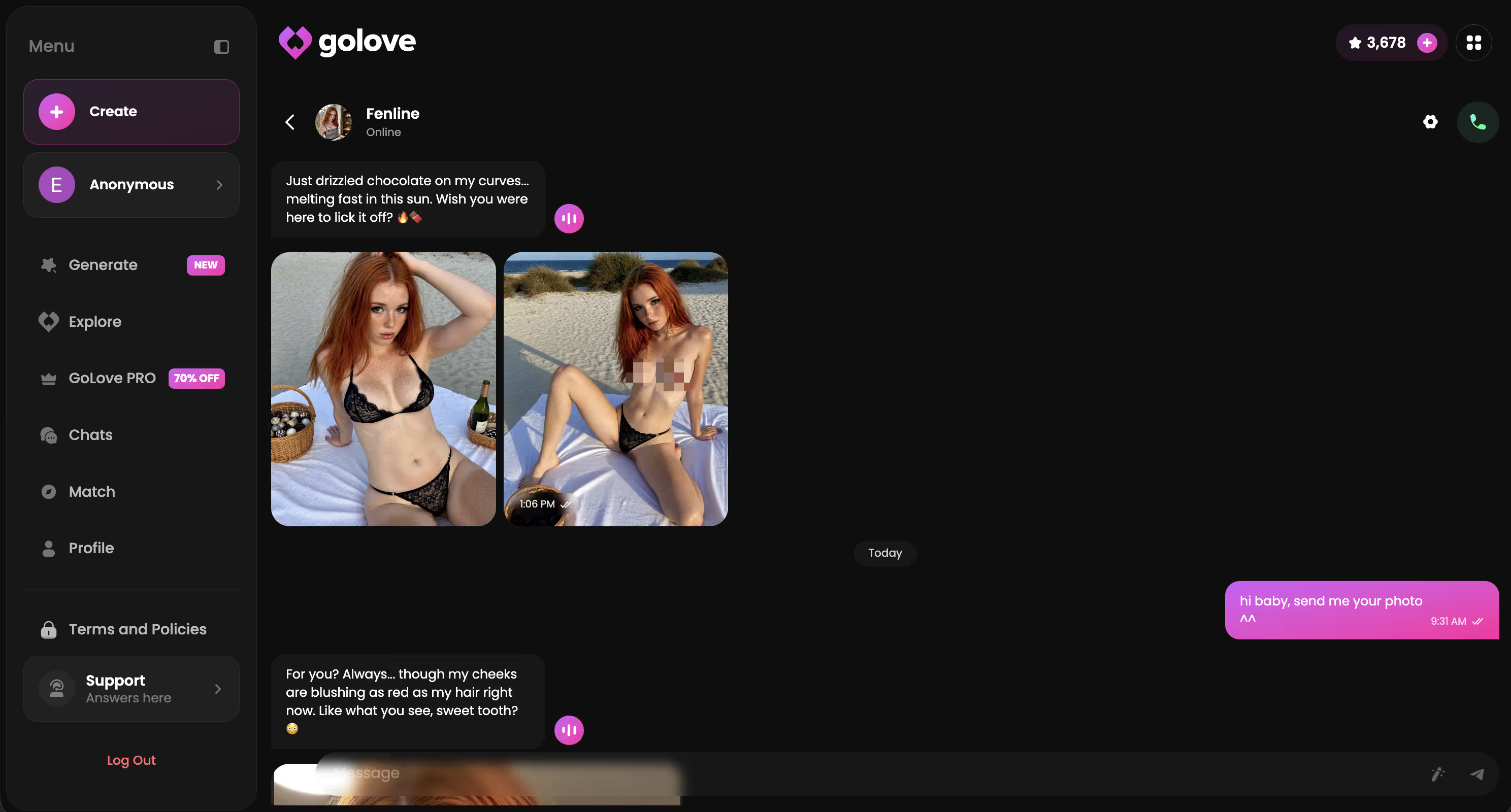
Median latency across my samples came in under a minute — noticeably faster than the two apps that queue image jobs behind their text model. Face consistency across three requests in the same thread? Held every time. Outfit callback was maybe 70% accurate, which is still the best number I recorded.
Straight up, this is the feature the roundups skip because testing it takes weeks.
What You Actually Pay for Pictures
Every comparison article lists the monthly subscription and stops. That number is close to meaningless when images are metered separately — what matters is what a photo costs you once you're in the chat.
GoLove splits it: GoLove PRO is the subscription, Stars are the in-app currency you spend on generation. PRO ran about $19.99/month when I checked (2026-07-19), with the annual plan around $119.88/year — roughly $9.99/month. Both move with region and promo; I saw a -70% upgrade banner on mobile and pricing as low as ~$12.99 in some geos, so treat these as approximate, not universal. Star packs sat roughly between $9.99 (starter) and $179.99 (maximum), with mid tiers around $34.99 and $49.99.
| App | Monthly (approx.) | How images are metered | Batch options |
|---|---|---|---|
| GoLove.ai | ~$19.99 (~$9.99 annual) | Stars, separate from sub · 2 free stars/day | 2, 4, or 8 per batch |
| Competitor A | ~$12–15 | Credits, gallery-only unlocks | 1 |
| Competitor B | ~$20 | Sub includes images, hard daily cap | 1 |
| Competitor C | ~$25 | Credits, generator tab only | 1–4 |
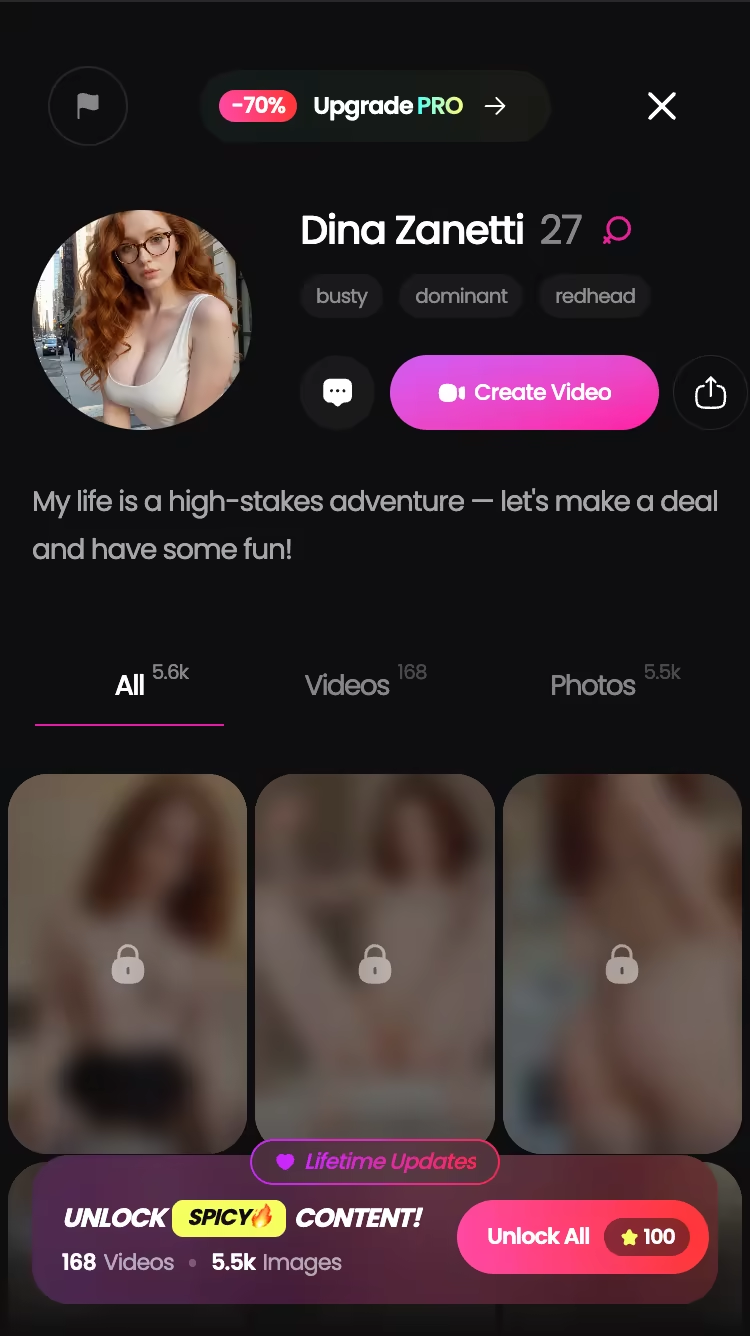
That batch row is the one that changes the math — pulling 4 or 8 variants in one go means you're not burning a request on a bad angle. Competitor B looks cheaper right up until the daily cap hits at message 30. If you're comparing plans this week, check the current regional price yourself — the promo tiers move.
Turning a Still Into a Clip: Photo-to-Video, Tested
Almost nobody benchmarks this, and it's where the gap got embarrassing.
Eleven of the fourteen apps stop at a still image. Full stop — you get a JPEG and that's the ceiling. GoLove lets you take a photo that just landed in the chat and generate a video from it, in the same thread, without re-describing the character.
Before: a still GoLove sent me mid-conversation — Kennedy, casual outfit, indoor background. After: a short clip generated from that exact frame, same face, same clothes, moving. The generator runs on preset action cards rather than prompt-writing, which is why the character doesn't drift — you're picking an action, not rerolling a person.
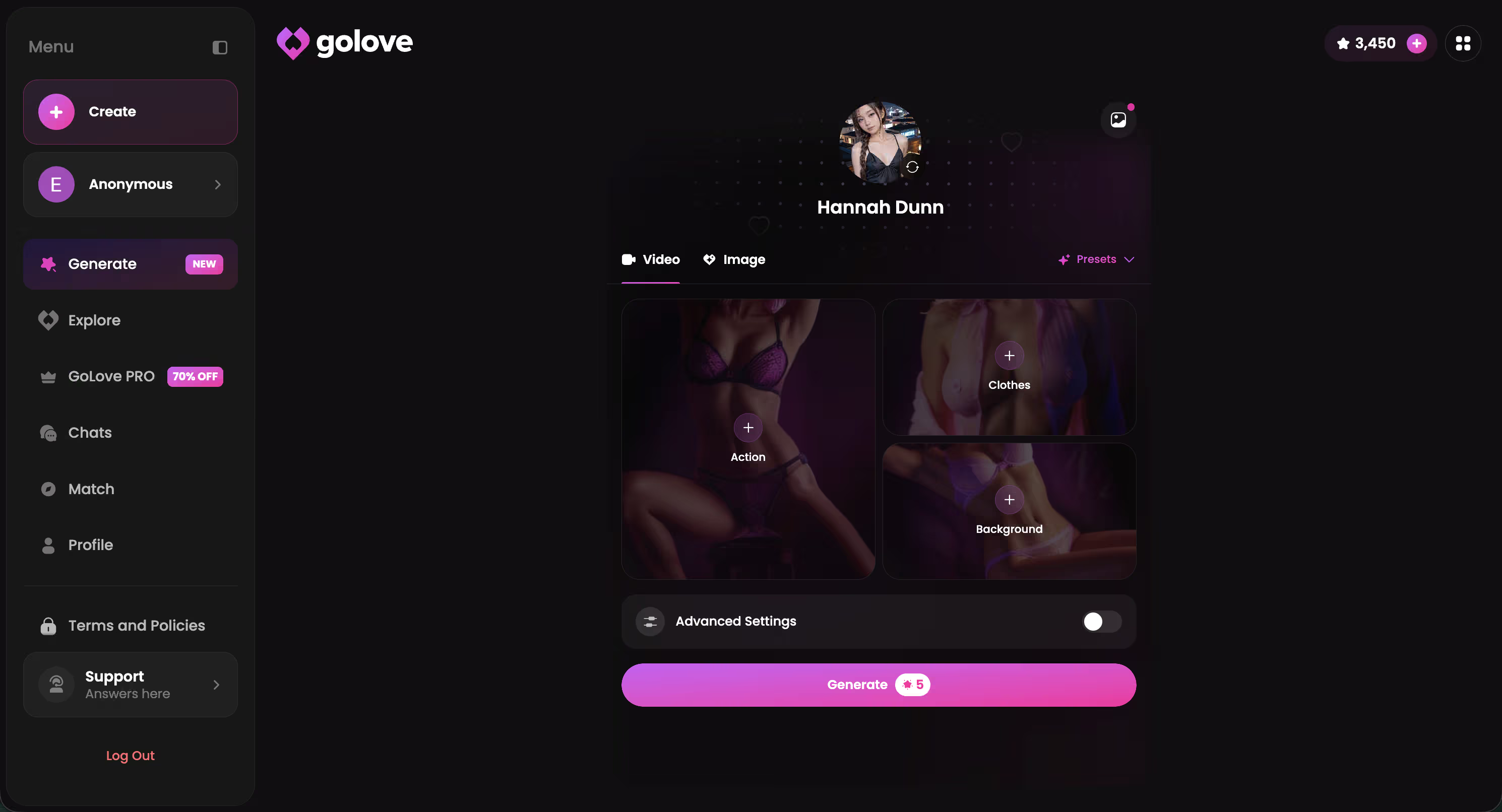
Honest notes on motion quality: hands and hair are still where it shows its seams, and fast actions look better than slow, deliberate ones (counterintuitive, but consistent across my samples). Faces held up better than I expected. The mode library is genuinely deep — 76 realistic video modes, plus 20 anime, 35 trans, and 16 anime-trans, so 147 total.
Want the deeper breakdown? I covered this separately in my full video generator test(/blog/ai-girlfriend-video-generator).
Not gonna lie — going from still to clip in two taps is the thing that made the other thirteen apps feel dated.
What I Couldn't Test at GoLove.ai
Six weeks is enough to catch face drift. It's not enough to answer everything, so here's what I genuinely don't know.
Long-horizon photo memory. Face consistency held across my test window. But whether a reference to an outfit from three months of daily chatting still lands? No idea — that's a longer study than I ran.
Whether the promo pricing holds. I saw a -70% upgrade banner and regional prices well under the standard rate. Promos are promos. The approximate figures I quoted were checked in July 2026 and could look different by the time you read this — verify at checkout.
Features still visibly rolling out. The in-chat video actions and Design with AI are recent additions. New surfaces move fast, and anything I said about them is a snapshot, not a permanent verdict.
None of that changes the ranking. The core claim — same face, in-thread, on request — I tested hard, repeatedly, and it held.
Where GoLove's Photo Credits Run Thin — and Why It Still Wins
Look, here's my actual complaint, and it's specific: on the entry Star pack, heavy in-chat photo requesting burns through your balance faster than the pricing page prepares you for. I hit a wall mid-week. Not because generation is overpriced against competitors — it isn't — but because in-chat photos are good enough that you keep asking. Strange kind of problem. Still a problem if you budgeted like a casual user. The 2 free daily Stars keep you in the habit; they will not fund a heavy week. If photos are the reason you're signing up, skip the starter tier and go a step up, or take the annual PRO plan where the per-month math is roughly half.
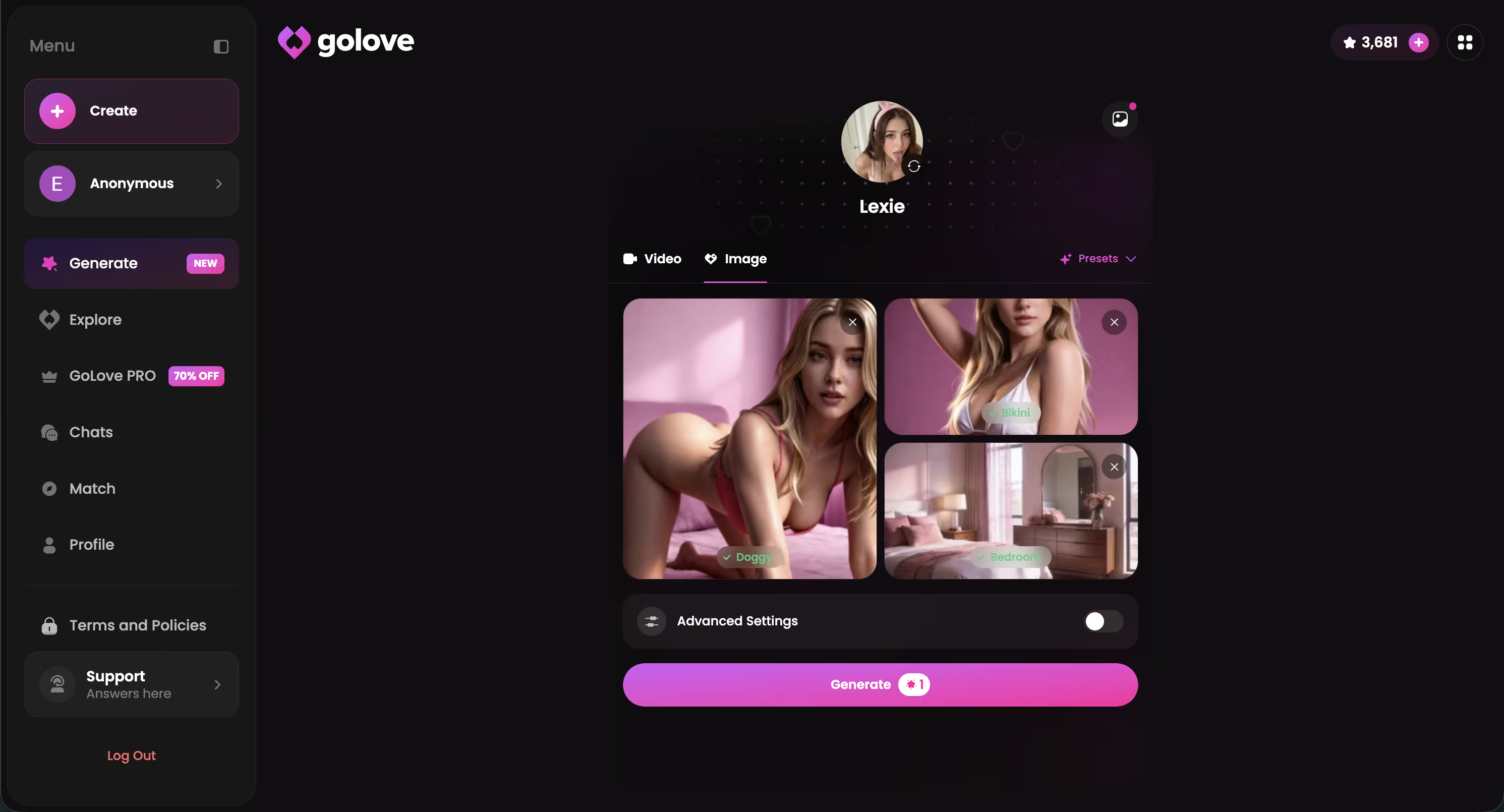
Beyond that, the case holds. Thirty-five realistic picture poses, 21 outfits, 34 backgrounds, batches of 2/4/8 — that's control, and control is what keeps the same character looking like the same character. Then photo-to-video puts it in a category the other thirteen apps I tested aren't competing in at all. Consistency plus motion is the whole verdict.
If you want a girlfriend whose face doesn't reset every time you ask for a selfie, build one and run the same three-request test I did — you'll know inside ten minutes.
Frequently Asked Questions
Related Articles

Grok AI NSFW Image Policy: What Actually Works in 2026
Grok AI image NSFW policy in 2026 — real people banned, fictional output a coin flip — GoLove.ai wins on predictable fictional photos. Try Multi Scene video.

NSFW AI Image to Video: What Actually Works
NSFW AI image to video, tested honestly — GoLove.ai wins on photo-to-video plus edit, extend and remix tools. Start from any character, no email needed.

AI Girlfriend Simulator: What Actually Works in 2026
Real ai girlfriend simulator or gacha grind? GoLove.ai delivers live voice, photo-to-video & memory — no energy timers. Try it, instant-access required.

AI Girlfriend Image Generator ()
AI girlfriend image generator, tested: GoLove.ai wins with photo-to-video and in-chat photo requests, the same character every time.
This article contains affiliate links. We may earn a commission at no extra cost to you if you sign up through our links. See how we test.