
AI Girlfriend with Photos and Voice: GoLove Wins
The Short Answer: GoLove.ai Wins on Photos + Voice
Most "AI girlfriend with photos and voice" apps do one of those two things well. Both, at the same time, in the same conversation? Almost nobody.
GoLove.ai takes it — because the photo request happens inside the chat, and the voice on the other end of the call runs off the same memory as the text thread. Ask her for a picture mid-conversation and she answers in character instead of punting you to a separate generator tab. Call her tomorrow and she still knows who she is.
That's the whole test, honestly. Two features that most competitors ship as two unrelated products with one shared login.
Look at the feature list: Request Photos in Chat, Generate Video from Photo, live Voice Calls, and Memory — all four core, all four in one app. Not a roadmap item with a "coming soon" badge. Shipping now.
Want to see the combo working before you read another 1,200 words about it? The free tier gives you 2 Stars a day, which is enough to run the photo-plus-call loop yourself tonight, no card required.
What "Photos and Voice" Actually Requires From an App
Look, "has photos" and "has voice" is how 90% of comparison posts handle this. Two bullets, two checkmarks, next section.
Here's why that's lazy. A photo feature only counts if the picture reflects what you were just talking about. She's telling you she's in bed, the generator hands back a beach shot with a random outfit — that's not an AI girlfriend that sends pictures, that's a stock image tool wearing a wig.
Voice fails the same way, just in reverse. A realistic AI girlfriend voice is worthless when the character resets between calls. Consistent tone, zero continuity, and you're talking to a very convincing stranger every session.
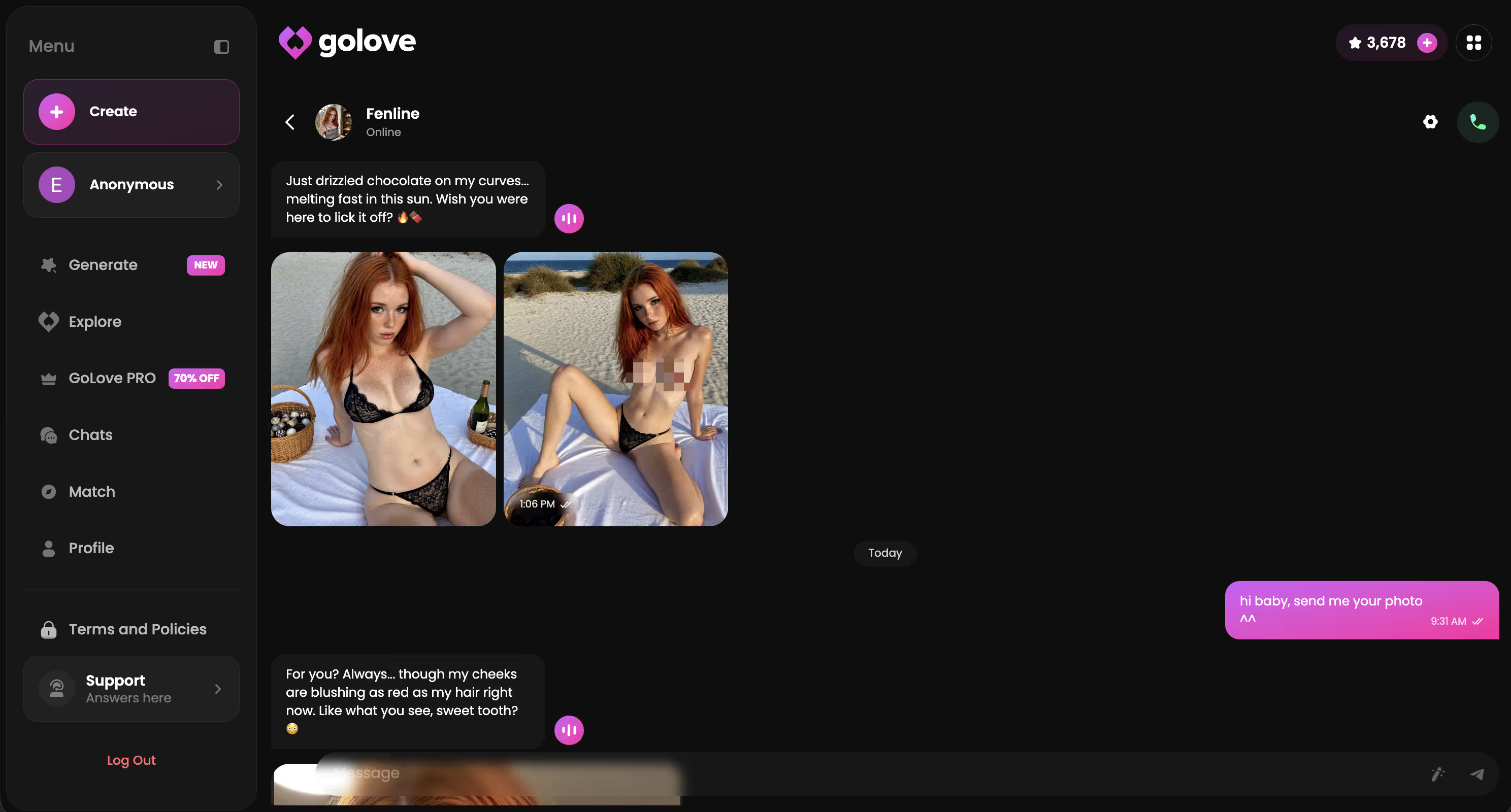
The real requirement is a shared state layer: one character, one memory, one settings profile feeding chat, images, and voice from the same place. GoLove puts that in Chat Settings — voice picker, lust level on 5 levels, response length on 5 levels — and those settings apply per character across surfaces.
Straight up: without that, "photos and voice" is marketing copy.
In-Chat Photo Requests: The Click Path That Actually Works
The mechanic is simpler than the feature name makes it sound. Request Photos in Chat means what it says — you ask in the message box, she answers in character, the image lands in the thread.
Steps, start to finish:
- Open any character from Explore (or one you built in Create) and start a normal conversation.
- Set the tone first via Chat Settings — voice, lust level 1–5, response length 1–5. Do this before you ask, not after.
- Ask for the photo in the conversation — not in a menu. She responds in character, then the image generates.
- Want it moving? Use Generate Video from Photo right in chat — the Select Action modal opens with video presets.
- Everything lands in that character's Gallery, sorted by date.
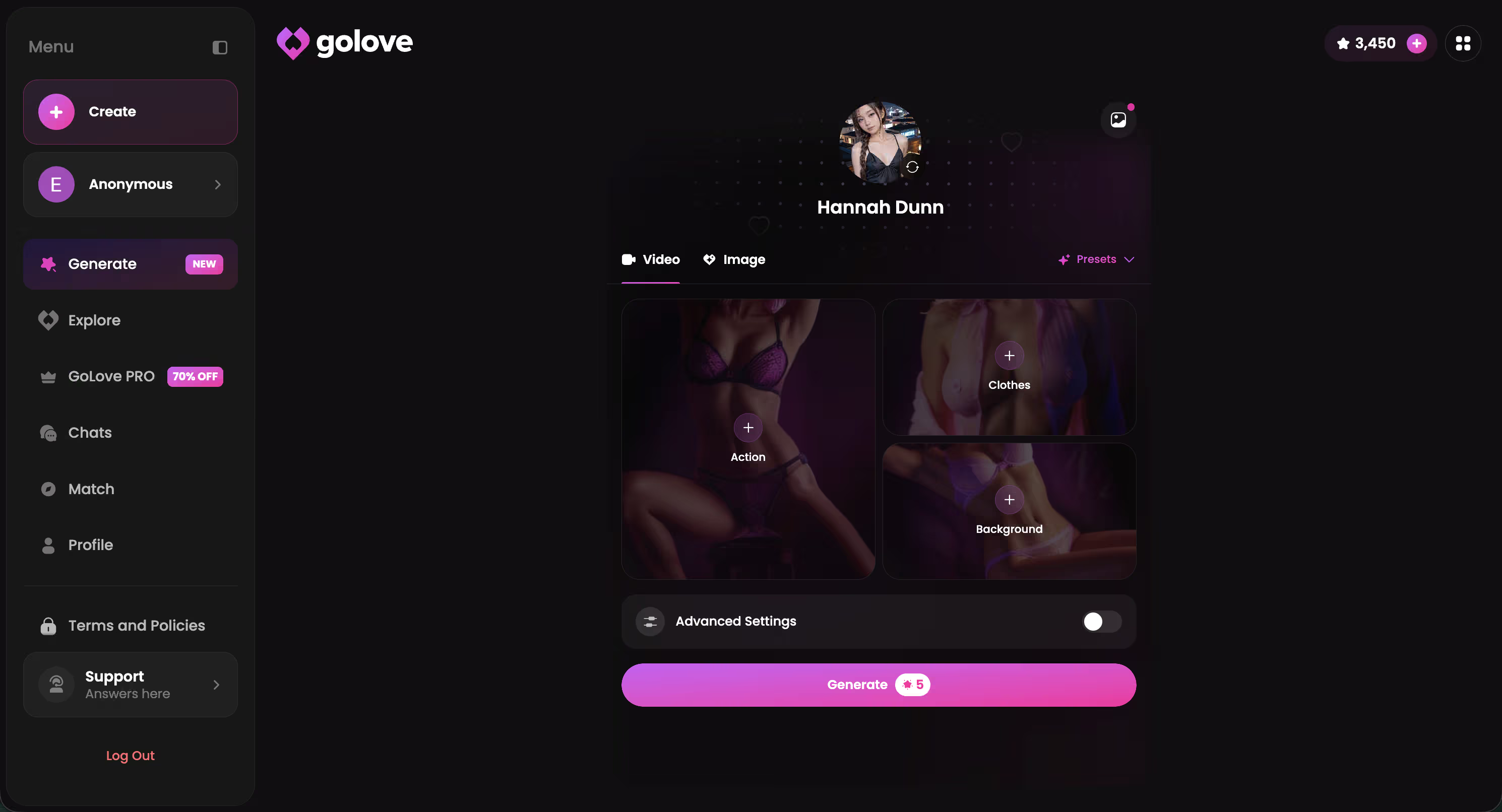
The part competitors miss is boring and structural: because the request happens in context, the character's current state carries into the image. That's the gap between an AI girlfriend that actually sends pictures and a bolted-on prompt box.
Prefer to drive the generator by hand? That exists too — 35 realistic picture poses, 21 outfits, 34 backgrounds, batches of 2, 4, or 8. The video side goes deeper than I expected: 76 realistic video modes, plus 20 anime, 35 trans and 16 anime-trans (147 total). The video generator breakdown covers all of that separately.
In-chat first, generator second — that ordering is the whole trick.
Voice Continuity: Why the Same Girlfriend Answers the Call
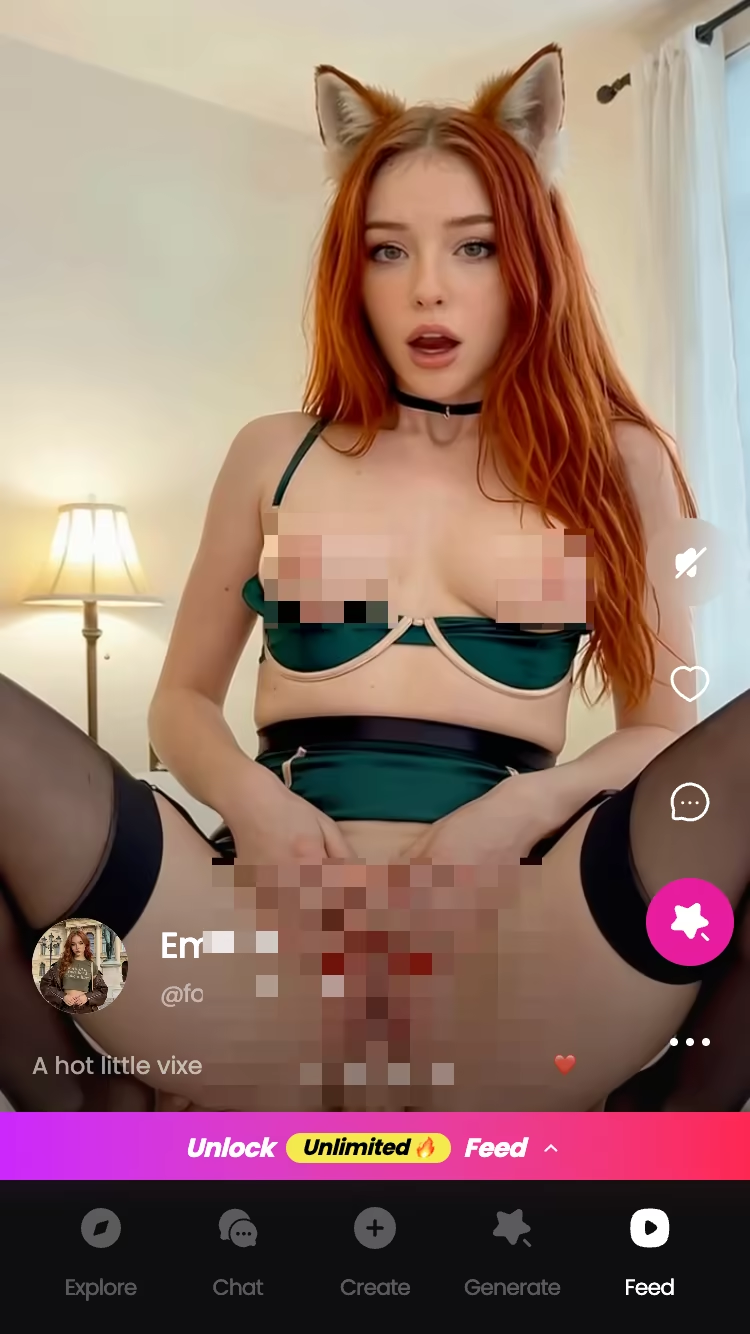
Voice Calls on GoLove are live and real-time, and there are asynchronous Voice Messages too, for when talking out loud on a train isn't an option. Both run off the character you already have chat history with. That's the structural bit.
Concrete scenario. You pick Jessica (@HotlineJess, 41, the "math tutor with a bold side"), spend a few sessions in text, set her voice in Chat Settings. Two days later you tap the call button from her profile. Memory is a core feature and it stores conversation history per character, so the call isn't a cold start — same character, same accumulated context, spoken instead of typed. Relationship Progression sits on top, so the tone tracks where you actually are instead of snapping back to first-message politeness.
Not gonna lie, this is the feature most reviews skip entirely. They'll grade voice quality — pitch, latency, whether it sounds robotic — and never once ask whether the girlfriend on the call knows you. How the memory system actually works deserves its own read, and if calling is your main use case, the call-focused walkthrough goes deeper on the live mode.
Voice without memory is a voice actor. Voice with memory is the product.
Characters Worth Trying
Tap any character to start a chat


GoLove Pricing: What Photos and Voice Actually Cost
Two currencies here, and you need both straight in your head. Stars are the in-app currency you burn on generation — photos, videos, unlocks — and your balance sits up in the header. GoLove PRO is the subscription. Free accounts collect 2 free Stars per day just for showing up, which is enough to poke at the system before paying anything.
Prices below were checked 2026-07-19 and are approximate — they shift by region and by promo (I've seen -50% and -70% banners, and monthly as low as roughly $12.99 in some geos).
| Tier | Approx. price (2026-07-19) | What it's for |
|---|---|---|
| Free | $0 | 2 free Stars/day, chat, Explore |
| PRO monthly | ~$19.99/mo | Full PRO access, unlimited feed + feed filters |
| PRO annual | ~$119.88/yr (~$9.99/mo) | Cheapest per-month; promos ~$49.80 seen |
| Star packs | ~$9.99 → ~$179.99 | Generation top-ups (starter → maximum) |
Practical read: annual is the obvious value if you're staying, monthly is the honest test drive, and Star packs are for people who generate heavily. Whether PRO is worth it gets its own analysis.
Here's the part that actually matters before you spend: those 2 daily Stars let you build a character and run the full photo-plus-voice loop today without touching a card. Do that first, then decide whether $9.99/month on annual is worth it.
Who GoLove.ai Is NOT For
Real talk — this isn't the app for everyone, and pretending otherwise would be insulting.
- Free-forever users. 2 Stars a day and a limited number of new feed videos is a genuine trial, not an unlimited plan. If your ceiling is $0 permanently, generation-heavy use will frustrate you. Hard pass.
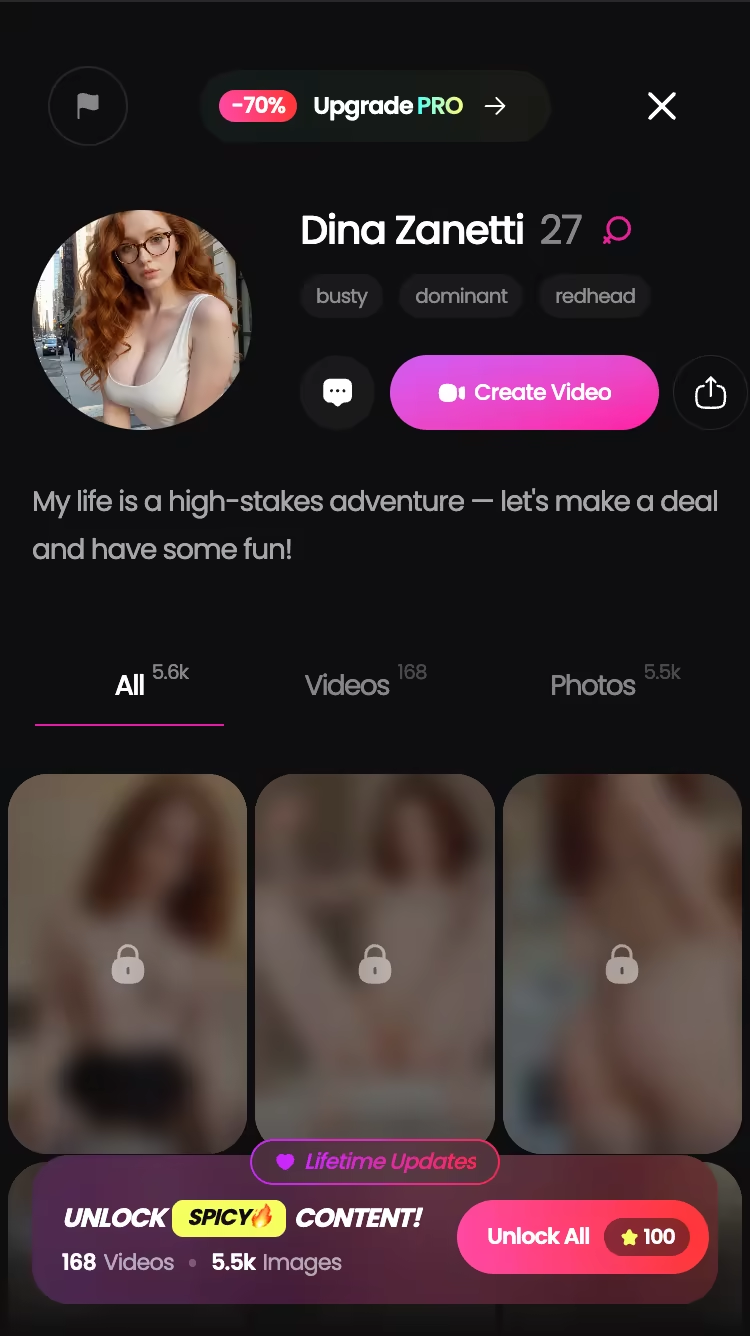
- App-store purists. GoLove runs as a web app with a mobile layout (bottom nav: Explore, Chat, Create, Generate, Feed). Works fine on a phone. But if you specifically want a native install from an official store, go look at the iPhone options or the Android roundup instead.
- Anyone hoping this replaces a person. It doesn't. Memory and voice continuity make the character consistent, and consistent isn't the same as human — I'd rather say that plainly than sell you a fantasy.
One more flag: pricing genuinely moves around by region and promo, so what you see on the page may not match what I listed above. Check before you commit.
None of that changes the verdict. It just narrows who should be reading it.
Before You Sign Up: What Good Photos-and-Voice Support Looks Like
Use this on any app, not just this one. Four things, in order:
- Context test. Ask for a photo mid-conversation without opening a separate tab. If the app punts you to a standalone generator, the photo and the character aren't connected — they're two products sharing a login.
- Continuity test. Chat today, call tomorrow. Does the voice reference anything from before? If every call opens like a first date, there's no memory layer, just a text-to-speech skin.
- Free path. Can you run both tests without paying? A daily-reward system (GoLove gives 2 Stars/day) or any trial credit is the difference between evaluating and gambling.
- Controls that persist. Voice, tone, response length should be set per character and stay set. GoLove exposes all three in Chat Settings, with 5-level sliders for lust and length.
Run those four before you spend anything. And if you're mid-comparison, how in-chat pictures actually work across apps is the deeper version of point one.
Most apps fail step two. That's the whole shortlist right there.
Final Verdict: GoLove.ai for Photos and Voice
GoLove.ai wins this category for one reason, and it isn't feature count — the photo request and the voice call draw from the same character state. You ask in chat, she answers in character, the image arrives in the thread. Call two days later and Memory plus Relationship Progression mean she's the same person, not a reset.
The rest stacks on top: Generate Video from Photo, 35 realistic picture poses, 76 realistic video modes, per-character galleries, Chat Settings that stick. Solid list. But the combo is the product.
Pricing is fair for what it does — roughly $9.99/month on annual, checked 2026-07-19, varies by region and promo. And 2 free Stars per day mean you can test both halves before deciding anything.
Pick a character, ask for a photo, then call her tomorrow and see if she remembers. That's the whole review in one evening, and it costs you nothing.
Verdict box
The short version: GoLove.ai covers the essentials in one place — live voice calls, memory across chats, and in-chat photos (35 poses, 21 outfits) — and the 2 free daily stars mean you can test it before spending anything.
Frequently Asked Questions
Related Articles

NSFW AI Companion with Voice: Real Test
NSFW AI companion with voice — GoLove.ai wins with per-character voice and memory that sticks, no email needed. See why it beats Candy.ai and Replika.

AI Girlfriend That Sends Videos: My 6-App Test
AI girlfriend that sends videos — GoLove's photo-to-video generator and remixable Feed actually deliver. Compare real apps, start instantly.

AI Girlfriend Simulator: What Actually Works in 2026
Real ai girlfriend simulator or gacha grind? GoLove.ai delivers live voice, photo-to-video & memory — no energy timers. Try it, instant-access required.

AI Girlfriend Image Generator
AI girlfriend image generator, tested: GoLove.ai wins with photo-to-video and in-chat photo requests, the same character every time.
This article contains affiliate links. We may earn a commission at no extra cost to you if you sign up through our links. See how we test.