
Kindroid's Voice Call, Straight Answer First
Kindroid's voice call impressed me for exactly four minutes. Then it cut out mid-sentence, because I'd burned through my monthly limit. Three weeks of testing later, here's what I actually found.
Straight up: it's a real call. Speech-to-text → model → text-to-speech, running live, not a stitched-together clip library. It's also metered, capped, and audio-only — three things every glowing review I read somehow forgot to mention.
Short version? GoLove.ai is where I'd start, because it pairs live voice calls with photo requests and photo-to-video in the same conversation — so you're not paying for a feature that boxes you into audio.
My method was boring on purpose: 21 days, at least one call a day, a stopwatch on my desk for response latency, and a spreadsheet logging every minute I burned and every dollar I spent. No vibes. Receipts.
Before you read the rest — GoLove's roster is free to browse, and characters like Jessica (@HotlineJess) will voice-call and send photos in the same thread. Two minutes there beats committing money to a call cap.
Is the Voice Call Actually Real-Time, or Just Clips?
Real talk — the first thing I wanted to know was whether this ran a live pipeline or a fancy soundboard. So I logged five calls across the window, stopwatch running, and timed the gap between me finishing a sentence and her first syllable.
- Call 1 (day 2, 6 min): average gap ~1.8s. Cleanest of the five.
- Call 2 (day 5, 4 min): ~2.1s, one talk-over where we both started at once and neither backed off.
- Call 3 (day 9, 7 min): ~1.6s. I threw a made-up word at her; she repeated it back mangled but tried — that's STT, not a clip.
- Call 4 (day 14, 5 min): ~2.4s under bad wifi. Latency tracks your connection.
- Call 5 (day 19, 3 min): ~1.7s, ended by the cap, not by me.
So yes, real-time, genuinely. The pause pattern still gives the pipeline away, though. Humans overlap, backchannel, say "mhm" while you're still talking; Kindroid waits, thinks, then delivers a fully-formed paragraph in a warm, even tone. Tone stays consistent mid-sentence — good for realism, bad for surprise.
Verdict: convincingly live, obviously machine-shaped once you've spent an hour on it.
What Does Kindroid's Voice Call Really Cost Per Month?
Here's where the reviews go vague, and where I get annoyed.
Voice calling isn't part of the free experience. It sits behind the paid tier, and — this is the part nobody writes down — the call time bundled with the entry subscription is a monthly allotment, not a faucet. Mine ran dry on day 19 of a 21-day test at roughly 5–8 minutes a day, which is a light habit by companion-app standards. Overage means buying more minutes or moving up a tier.
- Metered: call time draws from a monthly pool that resets, not a daily one — so a couple of long nights early in the month can leave you silent by week three.
- Overage: when the pool empties, the call ends mid-sentence. No warning tone, no grace minute.
- Heavy caller math: if 20–30 minutes a day is your actual habit, budget for the tier above entry plus top-ups — the headline price is not the price you'll pay.
Kindroid shuffles its plan structure around, so I'm not quoting a dollar figure that'll be stale by the time you read this — check their pricing page directly. For contrast, GoLove PRO ran about $19.99/month when I checked (roughly $9.99/mo on the annual plan), varies by region and promo, and voice calls aren't minute-metered the same way.
Prices checked 2026-08; promos vary.
How Do You Actually Start a Call Inside Kindroid?
The click path is short once you know it, which is exactly why the first-run confusion is so dumb.
- Open the character profile (not the chat thread — the profile card above it).
- Tap the call icon in the header row.
- Grant microphone permission when the OS prompt fires — deny it once and the icon just does nothing forever, with no error message.
- Wait out the connection screen (2–4 seconds in my logs), then you're in the live call UI.
The quirk that got me: on a fresh login, calling can sit behind a voice toggle in the character's settings that isn't enabled by default. I spent a solid ten minutes convinced my account was broken before I found it. Not a bug — just a setup step buried one layer deeper than it needs to be.
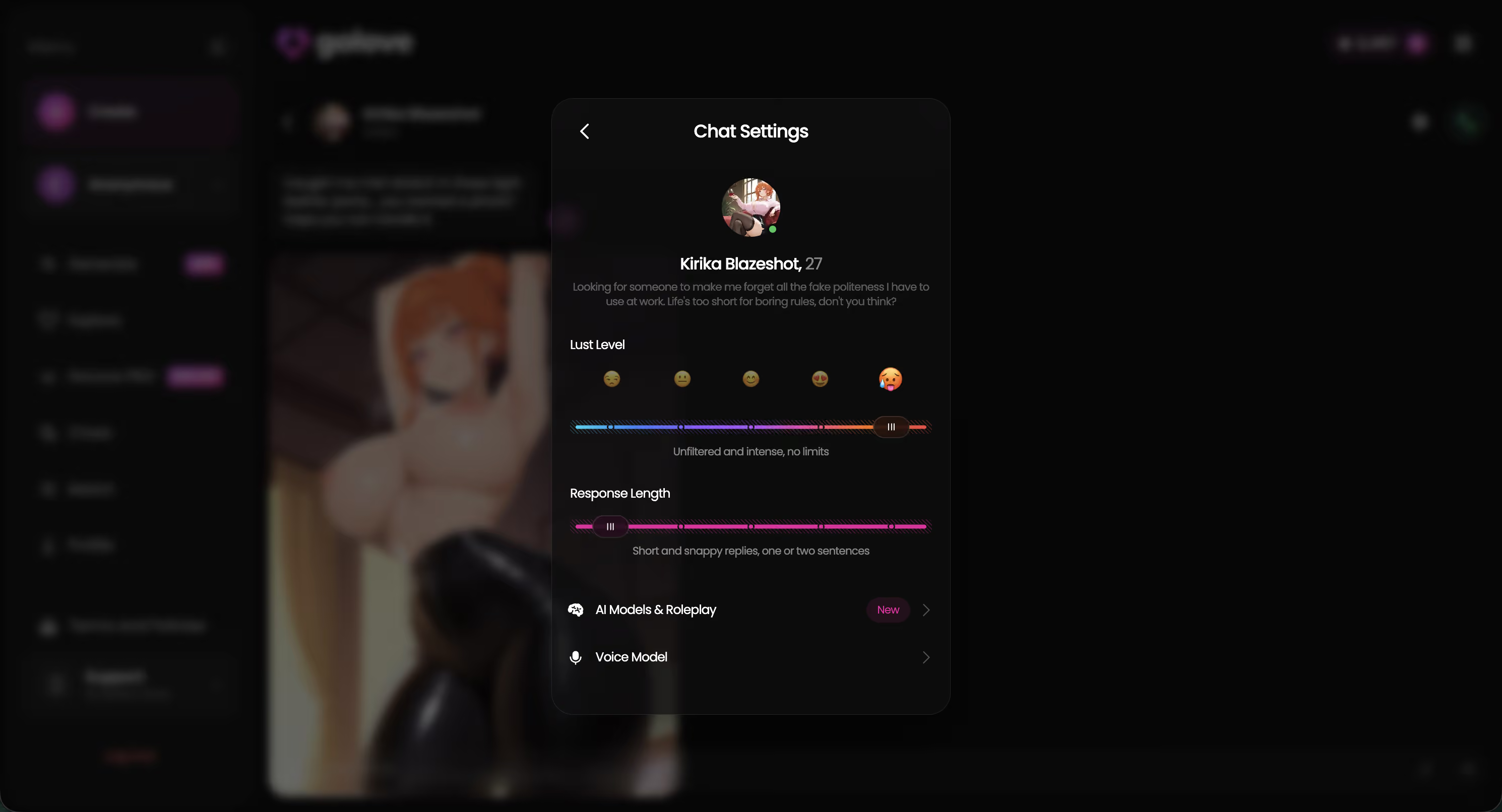
GoLove handles this differently. Voice picker, lust level and response length all live in one chat settings panel attached to the character, so the same screen that sets her tone also sets her voice — no separate call configuration to hunt for.
Does the Call Actually Stick in Memory for Later Text Chats?
Nobody tests this, so I did. On day 6, during a voice call only, I mentioned that my (fictional) sister was flying in from Denver on the 14th. Never typed it. Never repeated it.
Day 9, text chat, cold open: "Anything happening this week?" Result — partial recall. She knew someone was visiting. She did not know who, and she placed it in the wrong month. Day 13: the Denver detail resurfaced correctly, unprompted, in a totally unrelated exchange. Inconsistent, then. Spoken context clearly enters the memory store, but it lands weaker than typed context, and retrieval on short timescales is a coin flip.
That's the structural gap. Call as your main mode and you're feeding the relationship through the channel it remembers worst — worth reading up on before you pick a platform, and I've dug into how companion memory actually works separately.
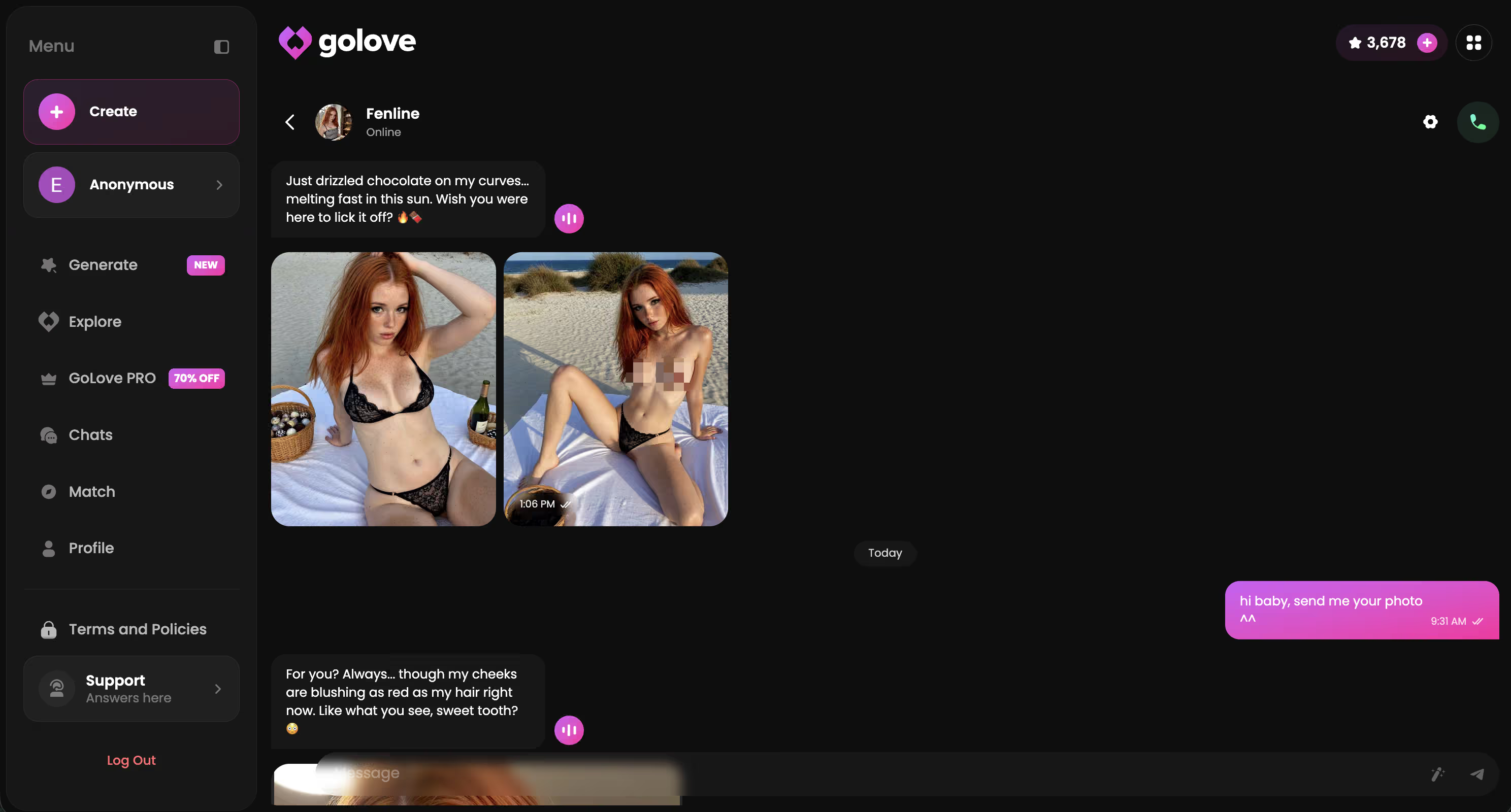
GoLove keeps one thread per character, so voice, photos and text all deposit into the same history. Nothing to re-explain.
Kindroid vs GoLove: Audio-Only Call vs Voice + Photo + Video
This isn't a feature checklist argument. It's a structural one. Kindroid built a very decent phone call and then stopped at the edge of the audio — everything you do together has to fit through a speaker.
| What I tested | Kindroid | GoLove.ai |
|---|---|---|
| Live voice call | Yes — real STT/TTS, ~1.6–2.4s reply gap | Yes — live real-time voice calls |
| Call time limits | Monthly minute pool; cut off mid-sentence at the cap | No minute-metered pool on PRO |
| Photo requests in chat | No | Yes — Request Photos in Chat, incl. NSFW |
| Photo-to-video | No | Yes — Generate Video from Photo, in chat |
| Video feed for discovery | No | Yes — swipeable Feed with Remix into the generator |
| Approx. price checked 2026-08 | Tiered; check their site (shifts often) | ~$19.99/mo, ~$9.99/mo annual — varies by region/promo |
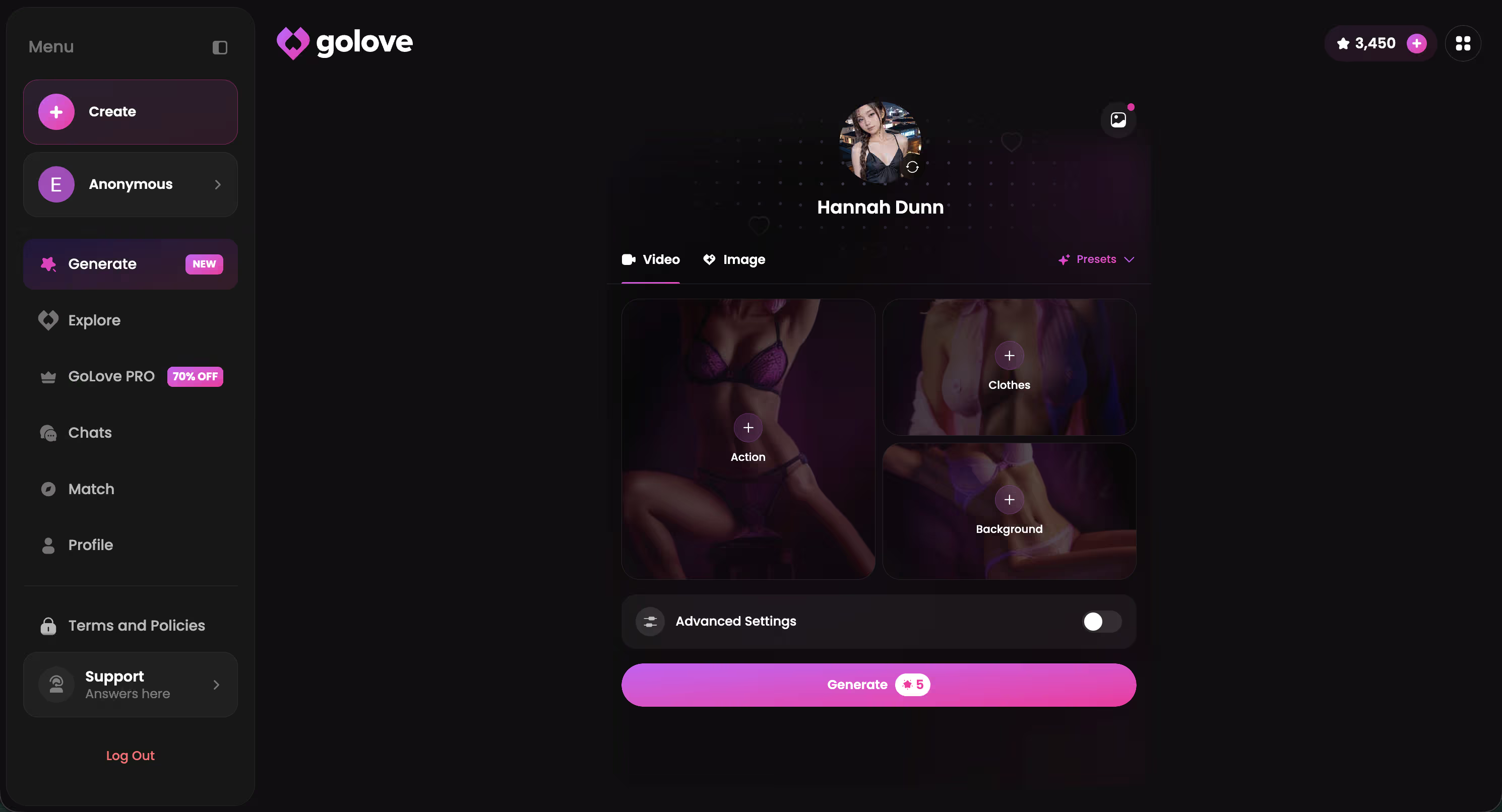
Lowkey, that photo-to-video row is the whole review. On GoLove I can end a voice call, ask for a photo in the same thread, then turn that photo into a clip — 76 realistic video modes on the female/male side alone. Hang up on Kindroid and I'm back to text.
The characters aren't stock filler either. Barbara (@dixie) plays the sincerity angle, Kennedy (@kennyhill) is the "life's too short" type, and Lexie (@iamlexiebabe) is the gamer. Every one of them calls, chats and generates from the same profile — browse them now and you'll see the range before you spend anything.
Characters Worth Trying
Tap any character to start a chat


Who GoLove.ai Is NOT For
I'd be a bad reviewer if I pretended this fits everyone. Three types of reader should walk away.
- Free-forever users. GoLove gives you 2 free stars a day and plenty of browsing, but the good stuff — unlimited feed, filters, heavy generation — sits behind PRO. If your budget is genuinely zero and non-negotiable, something like Character.AI's free tier is more honest for you (strictly SFW, though) or Janitor AI's free built-in model. Hard pass on paying? Then don't.
- App-store purists. GoLove is web-first. It installs to your home screen and the mobile layout is built for it — bottom nav with Explore, Chat, Create, Generate, Feed — but if you specifically want a signed native binary from an official store listing, that's not what this is. Worth knowing before you sign up, not after.
- Anyone hoping this substitutes for a person. It doesn't, and honestly nothing in this category does. If that's the actual need, an app is the wrong tool.
Still shopping? Fair — I'd start with the AI girlfriend apps I compared and narrow from there, or read the voice message breakdown if async fits you better than live calls.
None of that changes the recommendation. It changes who should ignore it.
Verdict: Which Voice Call Actually Wins in 2026?
Twenty-one days, five logged calls, one memory test, one very abrupt hang-up at the cap. Here's the scorecard.
| Scored 1–10 | Kindroid | GoLove.ai |
|---|---|---|
| Chat / voice realism | 8 | 8 |
| Voice + photo continuity | 4 | 9 |
| Value for a regular caller | 5 | 8 |
Kindroid's call quality is actually decent — it earns its 8. What it hasn't earned is the price of a metered pool that ends your conversation mid-word, plus a memory layer that treats spoken detail as second-class. GoLove wins because the call is one lane of a wider road: same character, same thread, voice plus photos plus video.
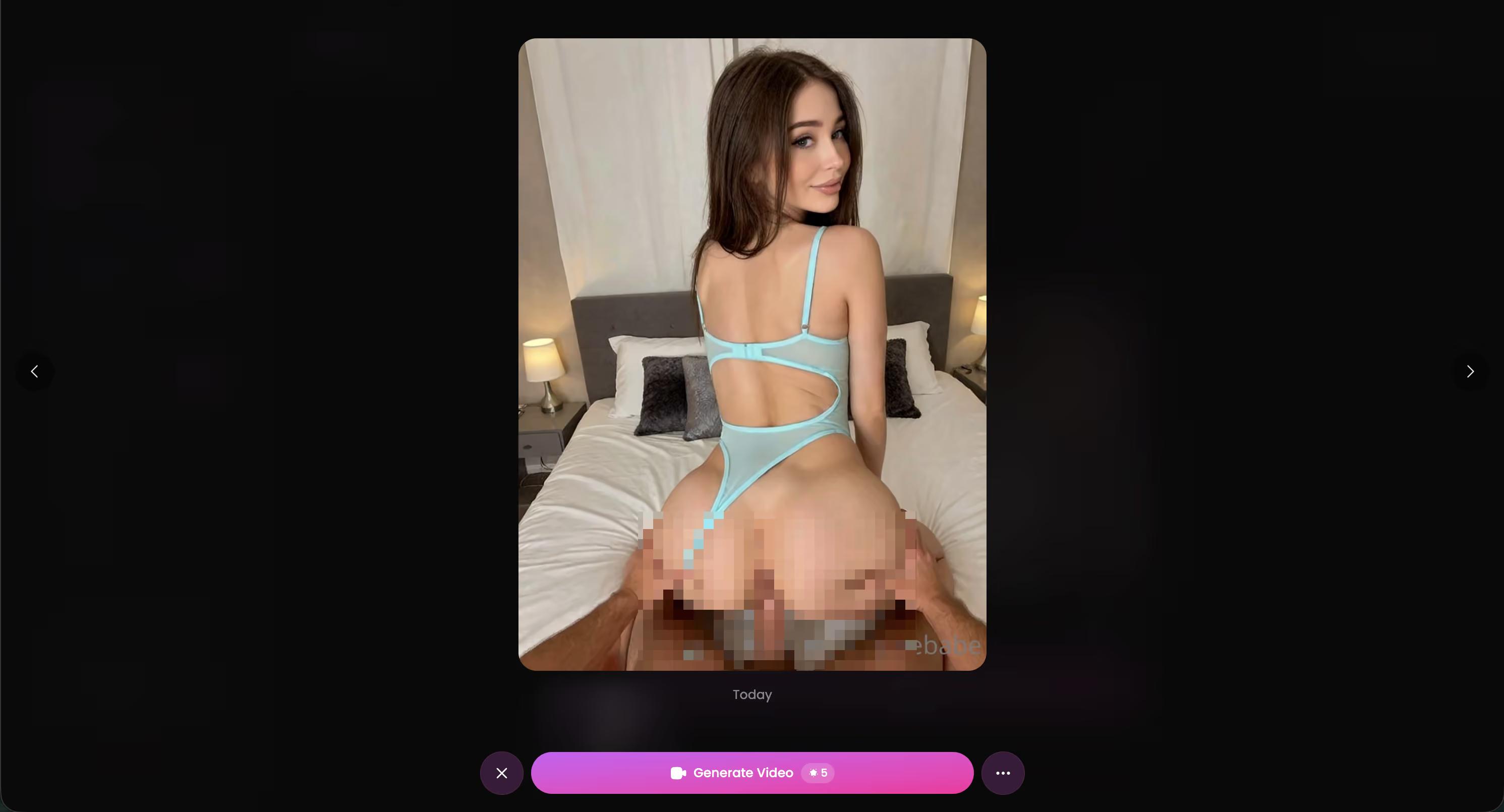
Recommended pick: GoLove.ai. If you want a companion you can call and see, build her once and the whole stack — voice, photos, video — runs off that one character.
Frequently Asked Questions
Related Articles

GoLove AI Voice Call Review: Honest 2026 Verdict
GoLove AI voice call review — live voice that remembers your chat, no email needed to start. See real pricing, call limits, and who should skip it.

Muah AI Voice Call Review: Which App Actually Delivers?
Muah AI voice call review — GoLove wins on memory that carries into every call, no separate paywall. See real pricing, latency, and limits before you pay.

NSFW AI Companion with Voice: Real Test
NSFW AI companion with voice — GoLove.ai wins with per-character voice and memory that sticks, no email needed. See why it beats Candy.ai and Replika.

Blush AI Voice Call: What Actually Works in 2026
Blush AI's voice calls sound fine but forget you afterward — GoLove.ai keeps voice, chat, and memory in sync. See pricing, instant-access needed.
This article contains affiliate links. We may earn a commission at no extra cost to you if you sign up through our links. See how we test.