
GoLove.ai has an NSFW AI art generator built into the platform. I generated roughly 200 images over two weeks using it, testing every pose preset, outfit option, and background location. The results were consistent enough that I stopped opening Stable Diffusion entirely.
The generator works with any character on the platform. You pick a pose, choose clothes or skip them, select a background, and the output arrives in about 10 seconds. Every image keeps the same face and body because outputs are tied to the character model, not generated from scratch.
The Generate Page
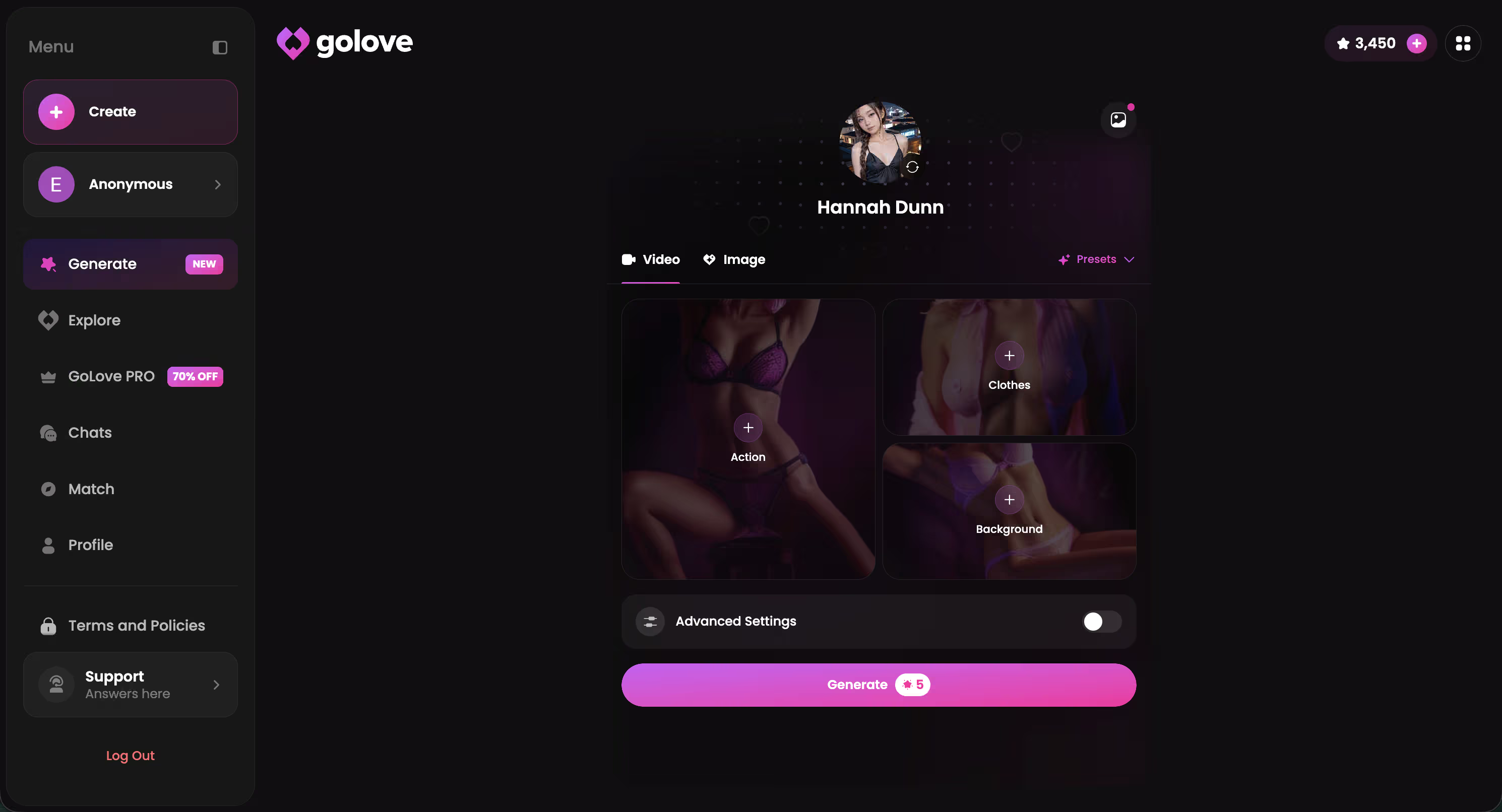
This is where everything happens. The interface splits into four selection panels: character, pose, outfit, and background. Each panel has presets you can tap, plus a custom text field for anything the presets do not cover.
The Advanced tab sits at the bottom with three additional controls: a full custom prompt field, a negative prompt field for excluding unwanted elements, and batch size selection at two, four, or eight simultaneous generations.
How to Generate Your First NSFW Image
Step 1: Pick a Character
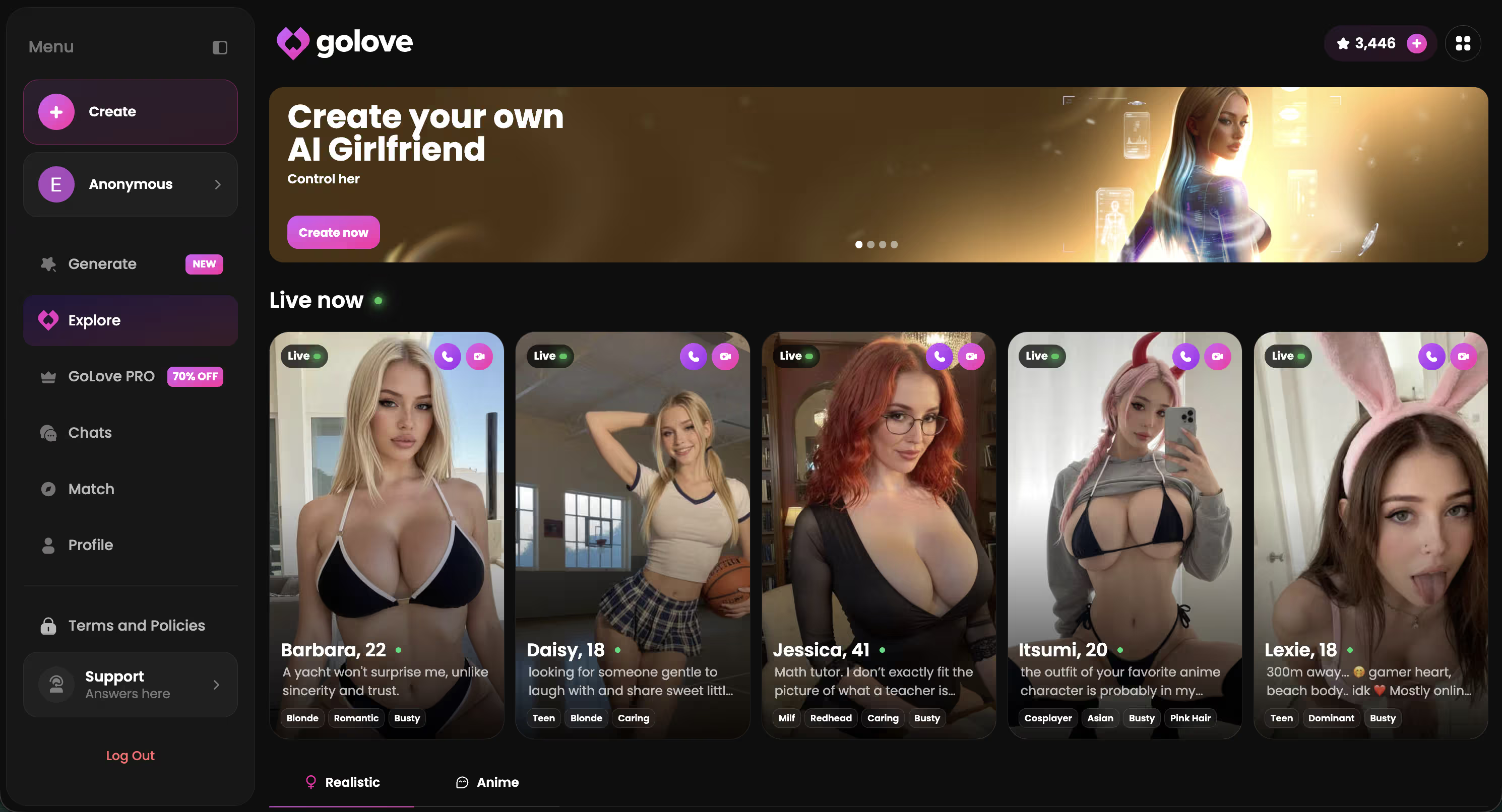
Character selection happens first. The Explore page shows hundreds of realistic AI characters, each with a distinct face, body type, and personality. I picked three characters for my testing period and ran roughly 60 to 70 generations per character.
The consistency held across all of them. Same facial features, same hair, same proportions regardless of which pose or outfit I selected. On standalone generators like Stable Diffusion, achieving this consistency requires training a custom LoRA model, which takes between two and six hours of GPU time.
Step 2: Choose a Pose (35 Options)
The pose library organizes 35 presets by intensity level. Casual options include standing, selfie, dancing, showering, and bath. Suggestive presets cover spread legs, upskirt, flashing, hand bra, and removing panties. Explicit positions span doggy, missionary POV, cowgirl, reverse cowgirl, blowjob variations, footjob, paizuri, and more.
Each pose preset controls both body positioning and camera angle. Selecting “selfie” places the camera close with a slight downward tilt. Selecting “on back” positions the viewer above. This consistency meant I averaged about three generations to get the exact composition I wanted, compared to 10 or 11 attempts on text-only generators where describing camera angles through prompts rarely produces the intended framing.
A custom pose text field accepts any description. I typed “leaning against a window, looking back over shoulder” and the output matched on the second attempt.
Step 3: Pick an Outfit (21 Options)
Outfit selection ranges from naked through lingerie, bikini, bra, casual clothing like dress, skirt, crop top, tank top, and t-shirt, all the way to outerwear like hoodie and sweater. Accessories cover footwear, headwear, hosiery, and makeup adjustments.
I found that outfit-pose coherence matters more than either setting individually. A showering pose with a hoodie produces conflicting instructions that the model handles poorly, generating artifacts around the clothing boundary. Lingerie with bedroom, swimwear with poolside, and naked with bath produced the cleanest results consistently.
Step 4: Set the Background (34 Locations)
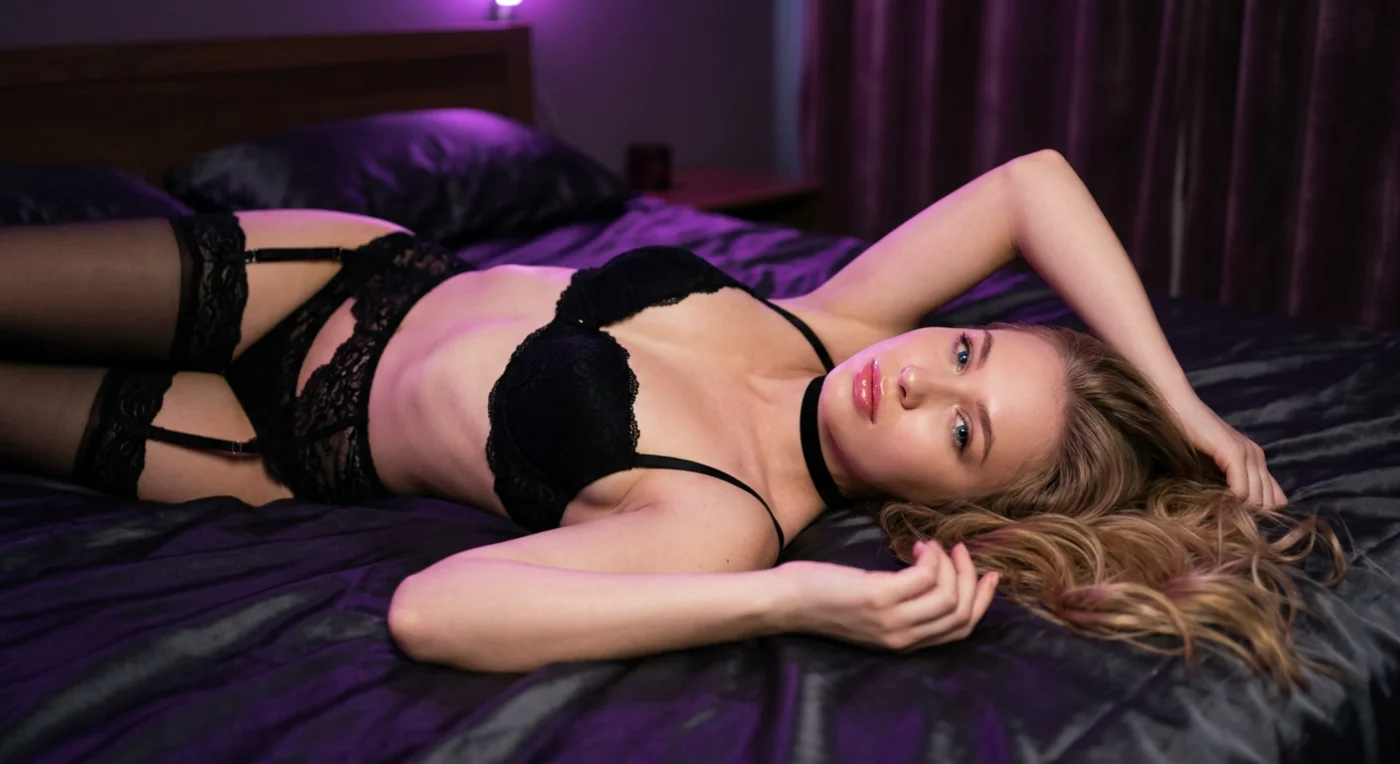
Background selection determines lighting as much as setting. A fireplace room produces warm amber tones and soft shadows. A sunset beach creates directional golden light with visible highlights on skin. A neon bar generates colored ambient glow with minimal shadow contrast.
Indoor options include bedroom, living room, bathroom, kitchen, red bed, cozy living, fireplace room, and carpet. Outdoor locations cover beach, sunset beach, poolside, luxury pool, rooftop pool, backyard, urban park, greenhouse, desert dunes, and vineyard hills. Balcony settings provide mountain balcony, city balcony, rooftop, and boat deck. Venue options add neon bar, cozy cafe, fine dining, classic library, piano lounge, DJ room, and modern gym.
I started selecting backgrounds based on their lighting characteristics rather than the literal location, and output quality improved noticeably. Dark silk sheets for intimate moods, luxury pool for bright highlights on skin, neon bar for dramatic colored lighting.
Step 5: Generate
Press generate. The image appears in your private gallery after roughly 10 seconds. Batch mode at four or eight simultaneous outputs costs the same generation time but produces variations for comparison. Across 12 batch runs of four images during my testing, at least one output from every batch met the quality threshold on the first attempt.
Video Generation
The same Generate page has a Video tab. Instead of static poses, the video generator uses actions with movement. Outfit and background options remain identical to the photo generator. Output takes roughly 15 to 20 seconds and produces short clips.
I covered this in detail in the video generator guide, including a workaround for getting videos with full audio. The short version: generate a photo first, open it in your gallery, then press “generate video” on that photo. The resulting clip includes breathing, ambient sound, and character audio.
Design with AI
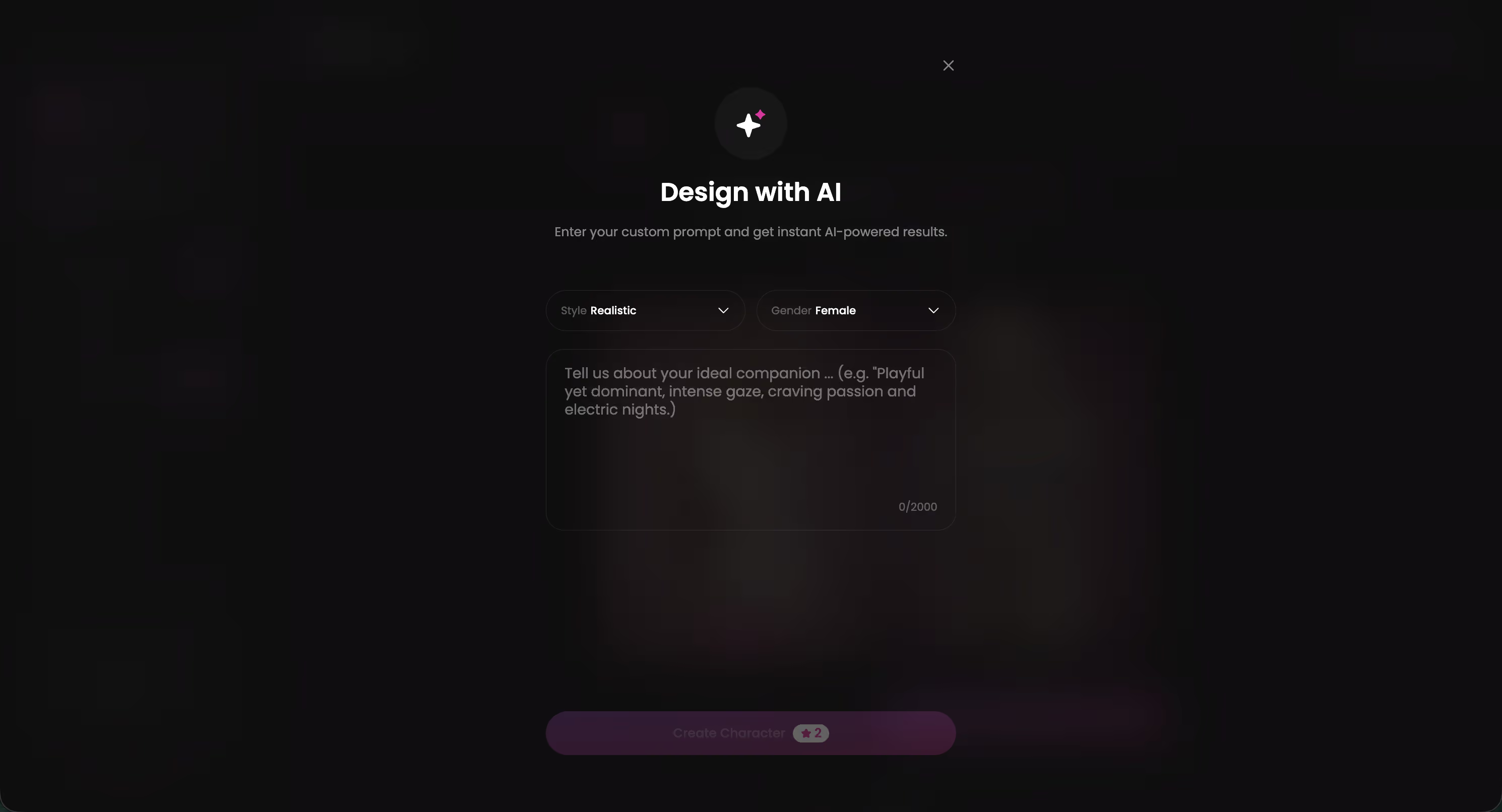
The /create page includes a feature called Design with AI. You type a plain-text description covering body type, ethnicity, hair, personality, and visual details. The platform generates a persistent character from that description. Every subsequent image produced through the generator features this character with consistent appearance.
I created four custom characters during testing. Each maintained visual consistency across more than 20 generated images spanning different poses, outfits, and backgrounds. Facial features, body proportions, and hair remained stable even when switching between casual and explicit pose categories. On standalone generators, achieving this requires training a LoRA model, which takes hours of GPU time and intermediate technical knowledge.
Chat Settings: Lust Level and Voice
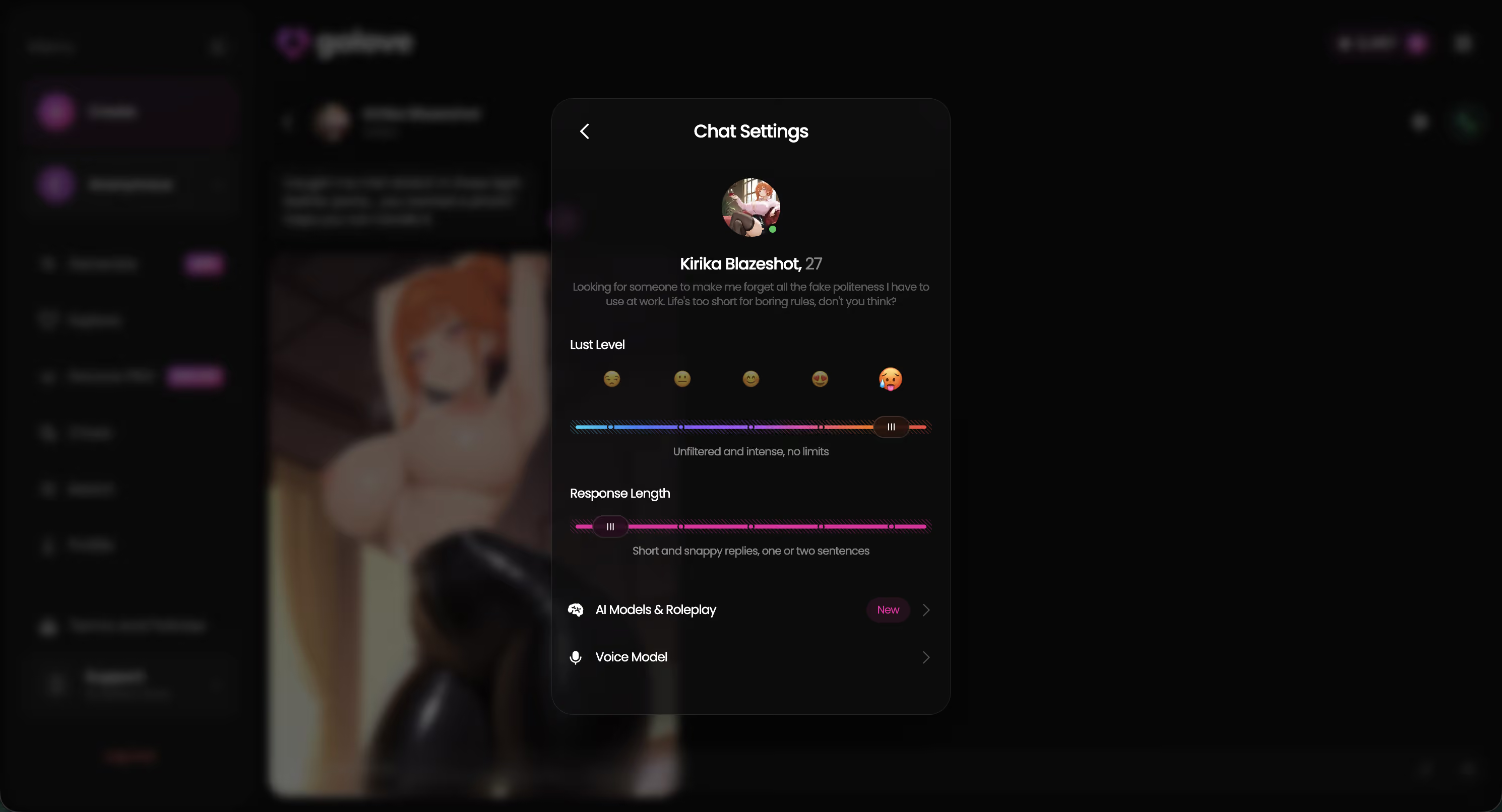
The generator exists within a companion platform, which means each character also has chat settings. A lust level slider controls how explicit the character's text responses and photo sends become. A voice picker selects the voice model used for voice calls and voice messages.
These settings do not directly affect the image generator, which is controlled entirely through the pose, outfit, and background panels. The relevance is contextual: a character set to higher lust levels sends more explicit content during regular chat interactions, and the image generator allows creating additional content on demand. The two features complement each other.
Request Photos & Videos Directly in Chat
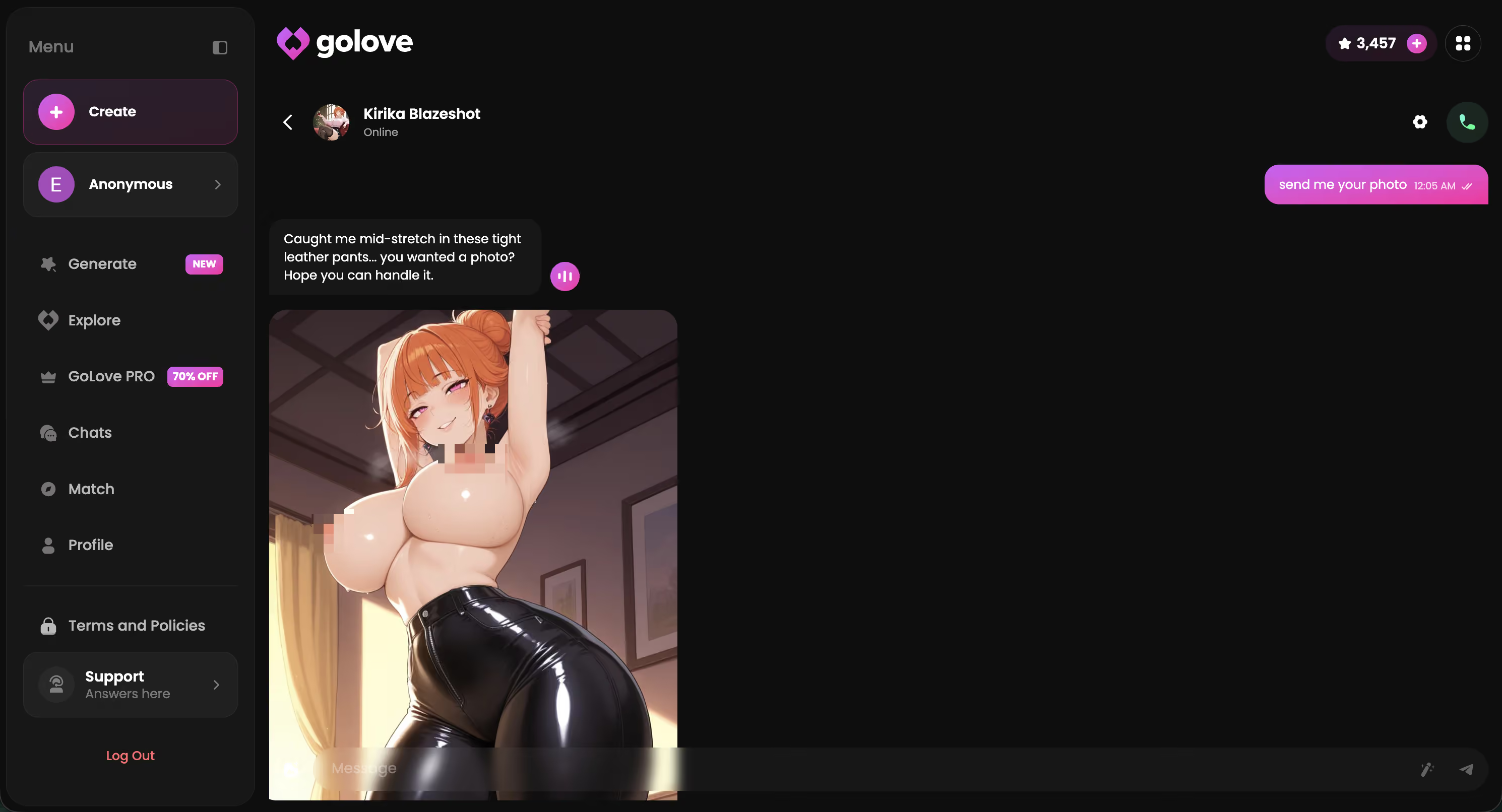
The Generate page is one entry point. The other one — which I actually use more often after two weeks — lives inside the chat itself. You don't need to leave the conversation to get a photo or video. You just ask, or tap.
Request photos in chat. Ask the character directly during chat (“send me a pic of you in bed”). A few seconds later the photo arrives inline, in context with the conversation. The pose and outfit come from the chat context rather than a preset panel, which usually produces tighter results than the generator when the scene is already clearly set in the conversation.
Photo-to-video from any chat image. Tap any photo she sent and hit the video icon. The platform animates that exact image into a short clip using the same character and scene, and the clip appears back in the chat. No exporting, no separate tool, no re-describing what you wanted. This is the fastest video workflow on the platform by a wide margin.
Video actions in chat. Tapping the video icon during chat opens a Select Action modal with visual previews of each action (doggy, missionary, blowjob, and the rest). Picking one generates a video directly in the chat without breaking flow. This is closer to how users actually want to request video content — visually, not via typed prompts.
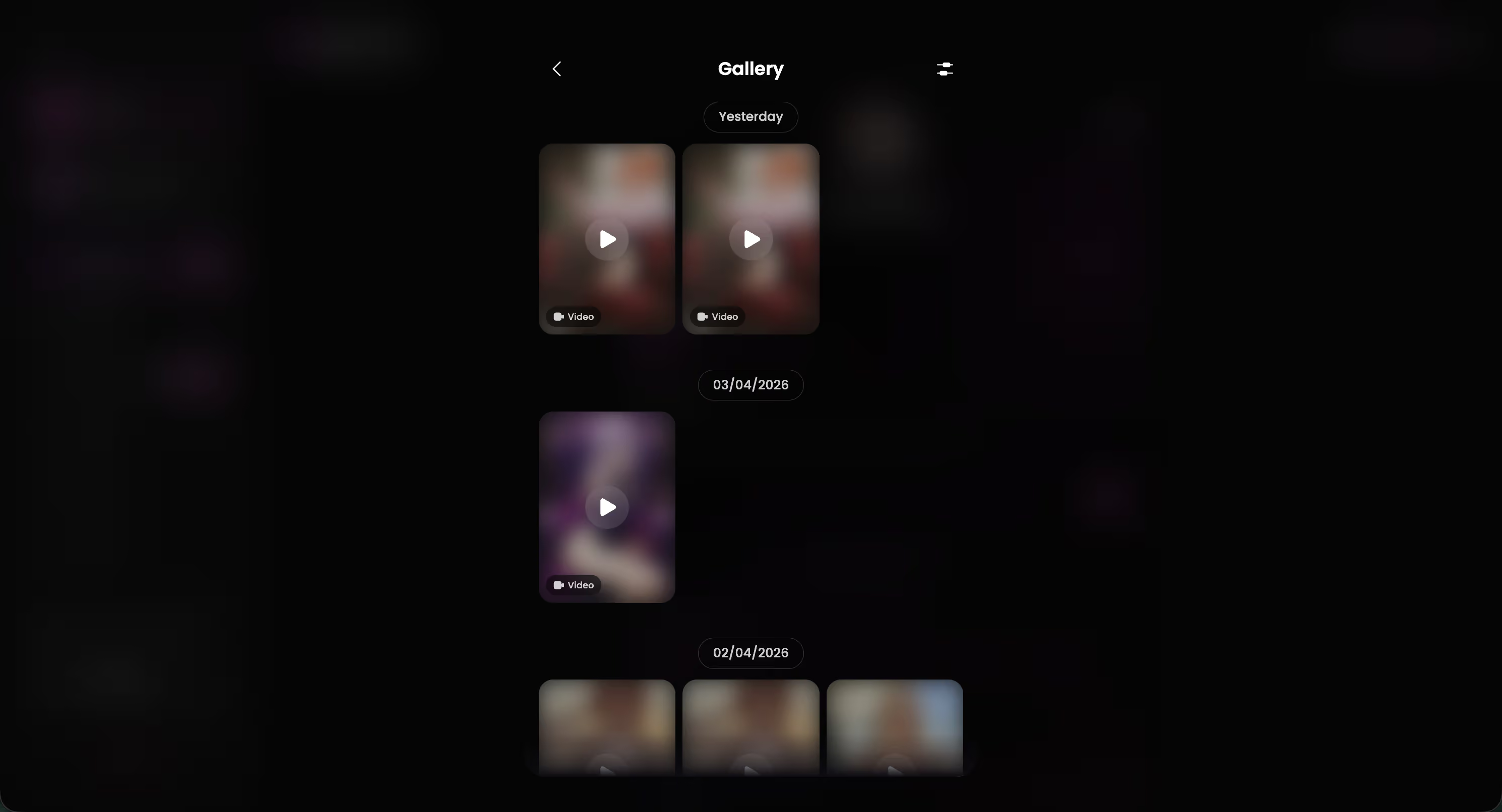
Gallery ties everything together. Every image and clip produced with a character, whether through the Generate page or inside chat, gets collected in her gallery. Organized by date. This is the piece that makes the generator feel like part of an ongoing relationship with one character rather than a disposable image tool. I caught myself scrolling back through galleries more than starting new generations during the third week.
Advanced Mode
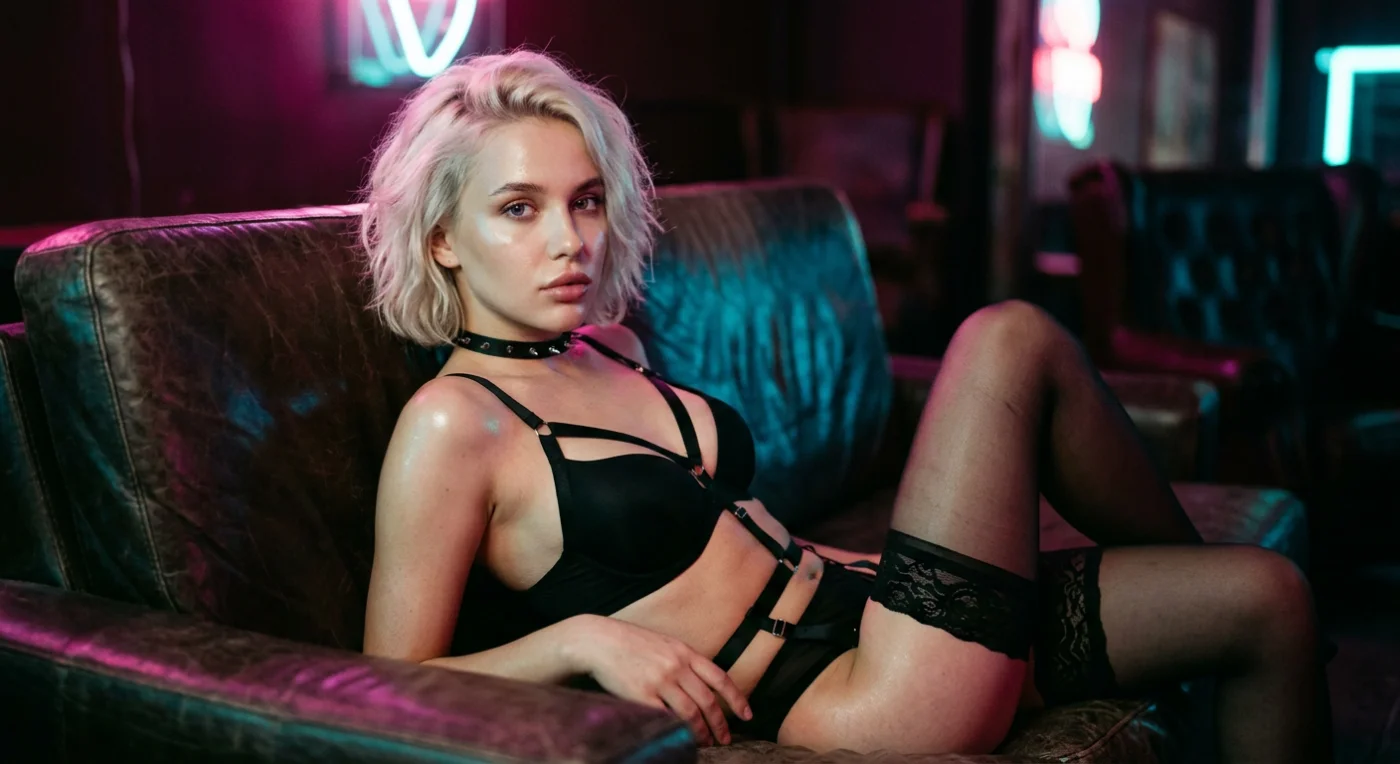
The Advanced tab unlocks three controls that significantly improve output quality for experienced users.
Custom prompt field. A full text input for describing scenes beyond what the preset vocabulary covers. I used this for lighting direction (“shot from above, golden hour light from the left”), specific clothing states (“half-unbuttoned silk robe”), and facial expressions (“looking back over shoulder, slight smile”). Including explicit camera angle language improved composition accuracy by roughly 40 percent in my testing.
Negative prompt field. Adding “extra fingers, malformed hands, blurry face, low resolution, watermark, text overlay, distorted proportions” reduced artifact frequency from about one in three outputs to roughly one in eight across 80 test generations. This single field eliminated more wasted generations than any other setting.
Batch generation. Producing two, four, or eight images simultaneously and selecting the strongest candidate required fewer total generations than serial production with prompt adjustments between each attempt. I ran batch four as the default throughout the second week of testing and the usable output rate exceeded 90 percent per batch.
GoLove vs Alternatives
| Platform | Setup | Poses | Character Consistency | Custom Prompts | Video |
|---|---|---|---|---|---|
| GoLove.ai | Browser, instant | 35 presets + custom | Yes, persistent | Yes + negative | Yes |
| Stable Diffusion | 6+ hours, GPU needed | Text prompts + ControlNet | Possible via LoRA | Full control | No |
| NovelAI | Browser, instant | Canvas tool | No | Yes | No |
| PixAI.art | Browser, instant | Text prompts | No | Yes | No |
| Unstable Diffusion | Browser, instant | Text prompts + negative | No | Yes | No |
Stable Diffusion remains the most powerful option for users with the hardware and patience for setup. Total creative freedom, zero content restrictions, unlimited generations. ControlNet extensions provide composition control that exceeds every cloud platform. The six-hour minimum investment and GPU requirement filter out most users, which is exactly why cloud generators exist.
NovelAI produces strong anime-style output with a canvas composition tool. PixAI offers a daily credit allocation sufficient for casual use. Neither platform provides character consistency or video generation.
What Could Be Better
I ran into limitations during the two-week testing period that are worth documenting.
- Complex multi-subject scenes tend to break. The generator handles single-character compositions well, but prompts involving two characters or intricate spatial arrangements often produce spatial distortions. Stable Diffusion with ControlNet handles multi-subject scenes more reliably.
- Hand rendering remains inconsistent across all five platforms I tested, though GoLove.ai's preset poses reduce the frequency of hand artifacts compared to text-only generators. Roughly one in eight outputs still showed noticeable hand issues during my testing.
- Resolution ceiling exists. The output resolution works for screen viewing but may not satisfy users who want print-quality or high-resolution detail work. Stable Diffusion with upscaling extensions produces higher-resolution output.
- Style range is limited to photorealistic and anime. Users looking for oil painting, watercolor, or illustration aesthetics will find more flexibility in Stable Diffusion with style-specific CivitAI checkpoints.
Start Creating NSFW AI Art
35 poses, 21 outfits, 34 backgrounds. Custom prompts, negative prompts, and batch generation. Character stays consistent across every image.
For a full walkthrough of every pose, outfit, and background option, the image generator guide covers each category with examples. If video clips with movement and audio interest you more than static images, the video generator guide walks through that workflow step by step.
Frequently Asked Questions
Related Articles

Grok AI NSFW Image Policy: What Actually Works in 2026
Grok AI image NSFW policy in 2026 — real people banned, fictional output a coin flip — GoLove.ai wins on predictable fictional photos. Try Multi Scene video.

NSFW AI Image to Video: What Actually Works
NSFW AI image to video, tested honestly — GoLove.ai wins on photo-to-video plus edit, extend and remix tools. Start from any character, no email needed.

NovelAI NSFW Art Review: What Actually Works in 2026
NovelAI NSFW art review: honest verdict — GoLove.ai wins with photo-to-video and voice continuity, not static images alone.

NSFW AI Art Generator Alternatives: What Actually Works
NSFW AI art generator alternatives compared — GoLove.ai wins with live chat, photo requests, and video, not just static images. Try it, instant-access needed.
This article contains affiliate links. We may earn a commission at no extra cost to you if you sign up through our links. See how we test.