
This article contains affiliate links. We may earn a commission at no extra cost to you if you sign up through our links. See how we test.
An anime AI art generator lives or dies on one thing most reviews skip: whether it can move between clean anime line work and semirealistic shading without you rewriting the whole prompt. I ran roughly 40 generations over a few days to find out where that control actually works.
Short version — the strongest anime + semirealistic results came from a preset-driven generator (Gensomnia) where Style is its own control, sitting next to Pose, Outfit, and Background. You pick a character, set the scene, slide the look toward 2.5D, and generate in about 15 seconds. Affiliate disclosure: links here are sponsored.
AI Image Generator
Anime + Semirealistic AI Generator
Preset characters, pose / outfit / background cards, and a Style control that swings flat anime to semirealistic. Pays in crypto or Telegram Stars.
Open the GeneratorThe Short Answer
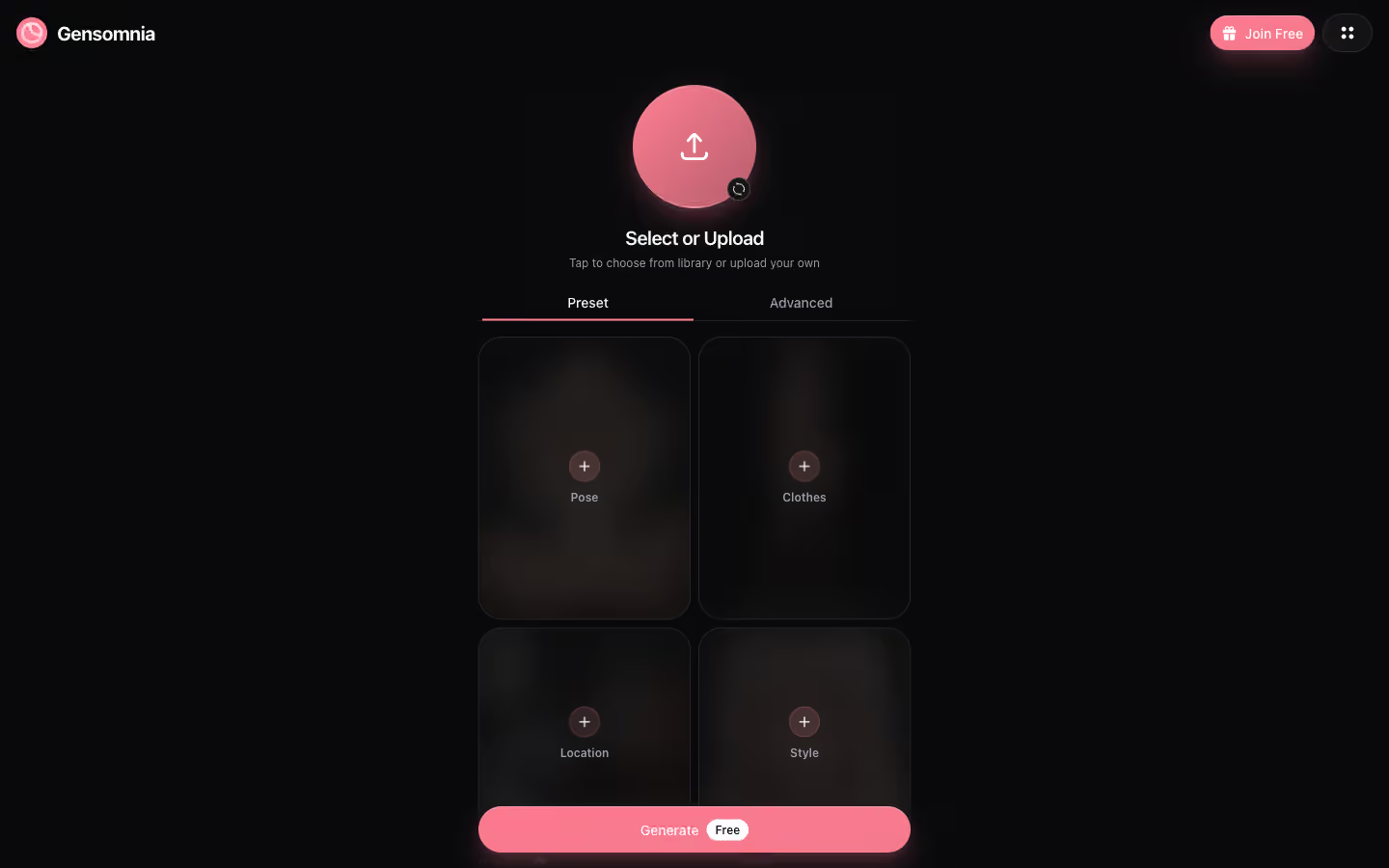
An anime AI art generator that handles semirealistic output well needs three things: character consistency, a real style control, and pose presets that hold the framing. Gensomnia has all three in a single screen. Pick a character from the library or upload a reference, tap the Pose, Clothes, and Location cards, then use Style to set the look.
The payment model is the catch and the point. There is no card or PayPal option — only crypto and Telegram Stars. That makes it the right tool when adult-AI checkout is blocked in your region, and an awkward one when a working card would make the extra steps unnecessary.
Anime vs Semirealistic Output
These are two points on the same spectrum, and knowing which you want before you generate saves wasted credits.
Anime keeps flat cel-shading, large stylized eyes, and clean outlines. It reads as a drawn frame. Semirealistic keeps anime proportions and face structure but layers in realistic skin texture, soft shadowing, and photographic lighting — the 2.5D look that a lot of people actually mean when they search for an anime generator.
In my runs, the Style card moved output cleanly between those two without touching pose or outfit. That separation matters. On text-only tools, a single prompt has to carry the character, the pose, and the rendering style all at once, and changing the style usually breaks the pose. Here I could lock a pose and run the same scene at three different style points to compare.
How the Generator Works
Pick a Character
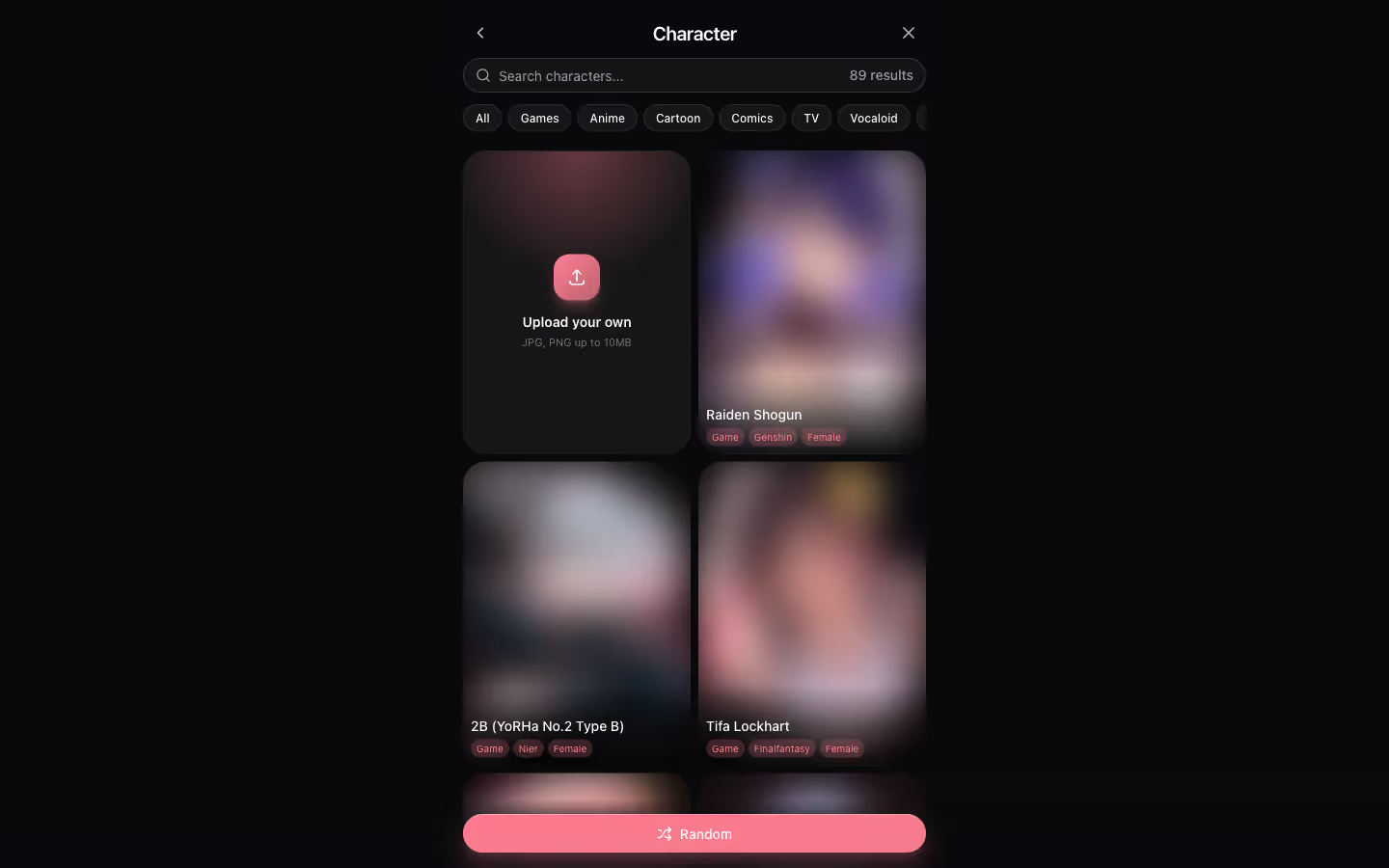
Character selection comes first because it decides consistency. The library is organized into tabs, with Anime and Games carrying the most recognizable archetypes. Pick one, or upload your own reference image to anchor a custom look. Once set, the face and body stay stable across every pose and outfit you run next.
That consistency is the whole reason to use a preset generator over raw text-to-image. On a tool like Stable Diffusion you would train a LoRA on reference images to hold one character — hours of GPU time. Here it is a single tap.
Pose, Outfit, Background
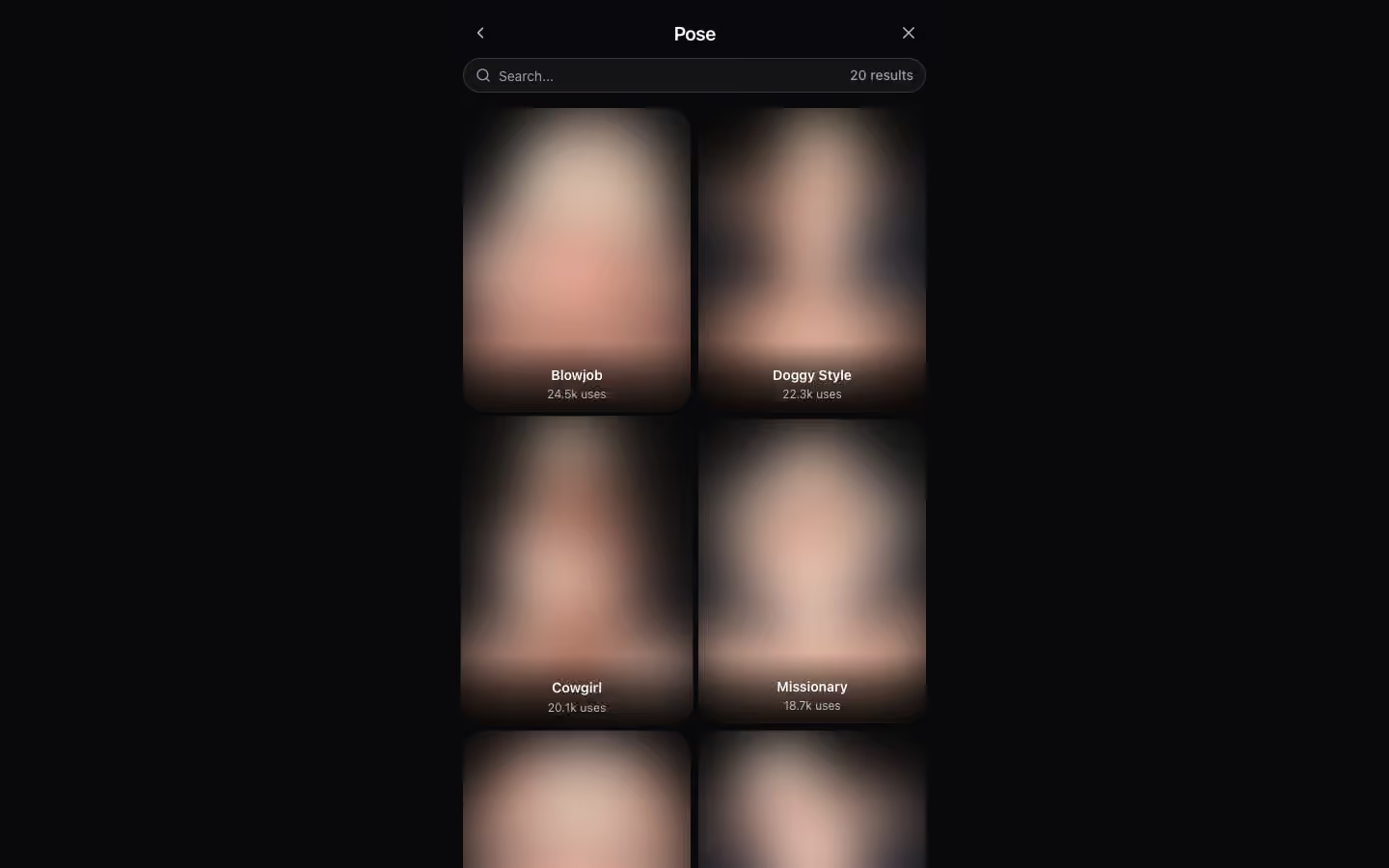
Pose, Clothes, and Location are three separate cards, each opening a grid of presets. Pose tiles carry a community usage counter, which doubles as a hint about which presets render most reliably. I leaned on the higher-count poses early to get clean baselines, then experimented from there.
Outfit and background follow the same grid pattern. As with photorealistic generators, coherence between pose, outfit, and background matters more than any single choice — a clean indoor scene with a matched outfit produced fewer artifacts than mixing conflicting settings.
Set the Style
The Style card is where the anime-versus-semirealistic decision happens. Clean anime settings gave me flat shading and sharper line work; semirealistic settings added skin texture and softer lighting while keeping the anime face. For the 2.5D look most people are after, this is the single most important control on the page, and I spent most of my testing here rather than fiddling with prompts.
An Advanced tab swaps the preset cards for a text prompt box with a Suggest button that drafts a prompt from the selected character. Useful for details the preset grids do not cover, but the presets handled most of what I wanted.
AI Image Generator
Try the Anime / Semirealistic Flow
Lock a character, pick a pose, slide the Style card from flat anime to semirealistic. Free daily tier, crypto / Telegram Stars beyond that.
Generate Your First ImagePayment: Crypto and Telegram Stars
This deserves a plain statement because it is the biggest practical consideration. Gensomnia takes no credit cards and no PayPal. The free tier gives a daily generation allowance. Beyond that, you top up with cryptocurrency or Telegram Stars bought inside the Telegram app.
Telegram Stars ran about $0.013 per Star during testing, with each generation costing a small number of Stars. Crypto top-ups via Bitcoin and USDT both worked from a test wallet, with no card-on-file. If your region or bank blocks adult-AI card payments, this is exactly the rail you need. If a normal card works fine for you, the crypto and Stars steps are friction you do not have to pay — a card-checkout generator is the easier call.
Generator Comparison
| Platform | Anime + Semirealistic | Character Consistency | Setup | Payment |
|---|---|---|---|---|
| Gensomnia | Style card lever | Yes, preset + upload | ~15 seconds | Crypto / TG Stars |
| Stable Diffusion | Widest via checkpoints | Possible via LoRA | 6+ hours, GPU needed | Free (local) |
| NovelAI | Strong anime | No | Browser, instant | Card subscription |
| PixAI.art | Anime, semi via models | No | Browser, instant | Credits / card |
Stable Diffusion stays the widest option for style range if you have the hardware and patience for setup. NovelAI produces strong anime but no character consistency or non-card payment. PixAI is convenient with anime and semirealistic model choices but, again, generates a new subject each run. Gensomnia's edge is the combination: a real style lever, locked characters, and a payment rail that works where cards do not.
Honest Limitations
- New platform. Gensomnia is newer and less proven than the established names. Expect a smaller character library than the category leaders and fewer years of track record.
- Payment friction. No card option means crypto or Telegram Stars setup. For anyone with a working card, that is extra steps for no benefit.
- IP-derived archetypes. The library leans on recognizable franchise-style characters. That is a creative call on their side; read it against your own comfort level.
- Hands and complex scenes. As with every generator I tested, multi-subject scenes and hands remained the weak spots. Single-character compositions held up best.
- Image only. There is no chat, voice, or companion layer. It is a focused image tool, nothing more.
If You Want Chat Too
A generator gives you images. If what you actually want is an anime character you can talk to — one that remembers context, sends photos inline, and takes voice — that is a different product. GoLove.ai runs an anime library inside a full companion app with card checkout, and our anime AI girlfriend guide covers how that side works.
GoLove Picks (Chat + Card Payment)
Tap any character to start a conversation — Stripe / Apple Pay checkout


Verdict
For an anime AI art generator that genuinely handles semirealistic output, the Style card is the feature that earns the recommendation. It turns the anime-to-2.5D decision into one control instead of a prompt rewrite, and the locked-character presets keep the same face across a whole set. Across my ~40 test generations, that combination got me usable images faster than any text-only tool.
The honest asterisk is payment. Crypto and Telegram Stars are the only paid rails, which is a feature if your region blocks card checkout and a nuisance if it does not. Match the tool to your situation: blocked checkout, this is your answer; working card and you want chat too, take the companion route above instead.
AI Image Generator
Start Generating Anime AI Art
Locked characters, pose and outfit presets, and a Style card for the anime-to-semirealistic range. Free daily tier; crypto or Telegram Stars beyond it.
Open the GeneratorFrequently Asked Questions
Related Articles

NSFW AI Art Generator: Real Tests for Adult Art
NSFW AI art generators tested over four weeks for composition control, style range, and output quality. Full breakdown with examples — see what actually works.

Anime AI Girlfriend: 300+ Characters
Chat with 300+ anime AI girlfriends. Voice calls, photos, uncensored conversations. Find your perfect waifu on the best anime AI girlfriend app.

AI Girlfriend Image Generator (Free)
Generate custom AI girlfriend photos with full control over pose, outfit, and background. 34 poses, 21 outfits, 34 locations. Try free.