

SoulFun AI Voice Call Review: Live Call or Voice Clip?
SoulFun's Phone Icon: Live Call or Recorded Clip?
Before you pay for SoulFun's voice mode, one question decides whether it's worth the money. When you tap call, does a voice answer you live, or does a recorded clip play back after a pause? We couldn't confirm which. So this review audits the button instead of pretending we dialed it.
Look, a phone icon is a promise, and what sits behind it is the actual product. On a live call you talk, she answers in real time, and you can cut her off mid-sentence the way you would with a real person. A voice message is something else: a generated audio reply you hit play on, which is really just a nicer text message with a voice stapled to it. Both are fine. They're just not the same purchase, and of everything we couldn't confirm about SoulFun, this is the gap that matters most.
Q: Is a voice-message mode worth paying for if the call isn't live? A: It can be, for flavour. But it isn't a phone call, so price it like a text upgrade.
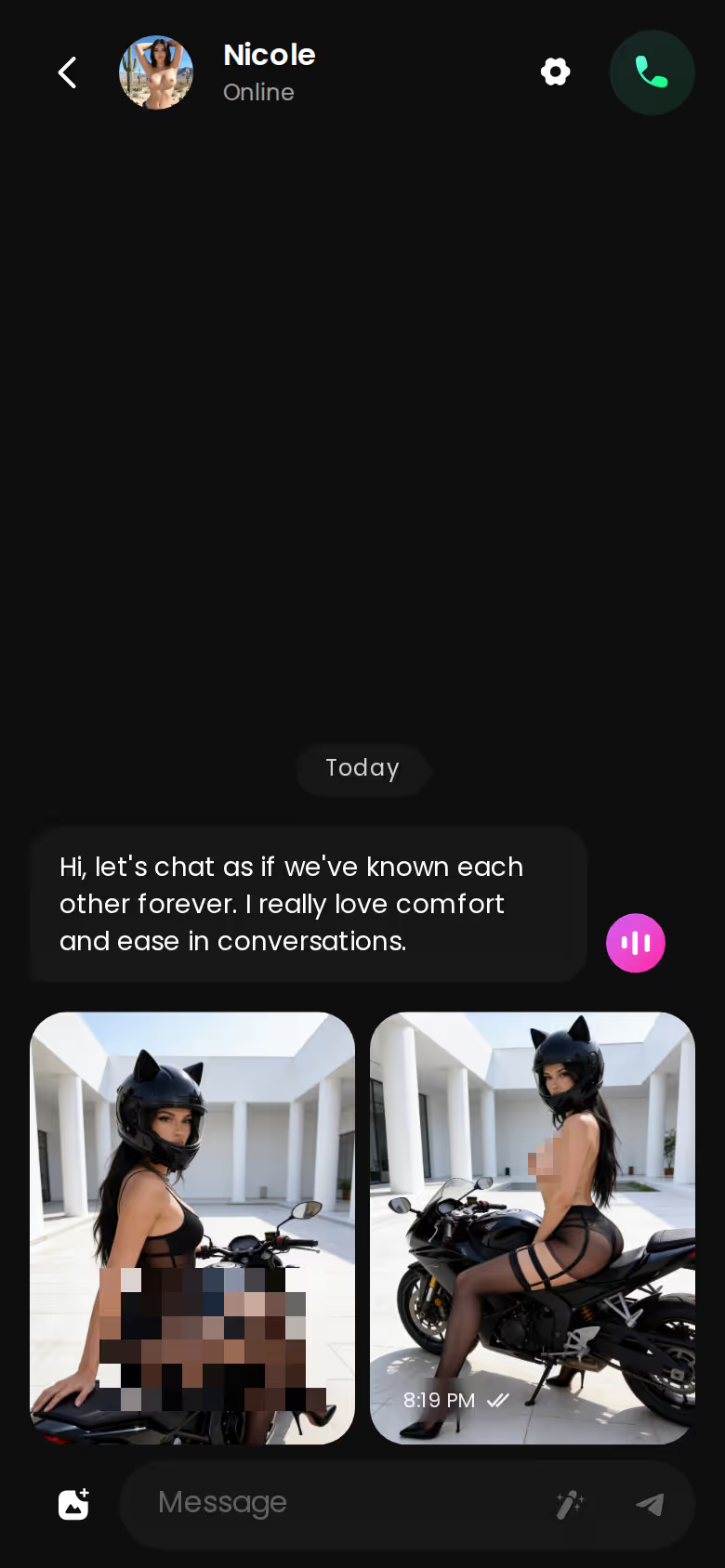
GoLove.ai is the useful contrast. It lists Voice Calls as live and real-time. It puts a phone icon in every chat and a voice playback button on every character message — and both features come with PRO. If what you want is to actually call her, GoLove.ai is the pick, with live calls and voice messages in one chat at a published PRO price.
Key points · GoLove.ai
- Call type: Live real-time calls + voice messages
- NSFW on voice: NSFW content in PRO
- Entry price: PRO about $19.99/month
The Pause Before She Answers, and Whether the Voice Stays Hers
Real talk — latency is the whole game on a call. The gap between your last word and her first decides whether it feels like a conversation or a walkie-talkie with extra steps. Nobody timed SoulFun or GoLove for this piece, so treat what follows as a list of things to listen for:
- a long dead pause after every line you say
- a reply that barrels over a question it clearly didn't wait for
- a cadence that resets every turn, as if she's restarting the call
The second question is quieter, but it stings longer. Does she sound like the same person on a call, in a voice message, and next week? For SoulFun, that's open. We couldn't confirm how its voices are assigned or kept.
GoLove.ai shows how it handles this in Chat Settings. The voice picker is set per character, and it sits next to two 5-level sliders:
- Lust Level: 1 sweet/wholesome to 5 unfiltered/intense
- Response Length: 1 short/snappy to 5 rich/immersive
A per-character voice picker is GoLove's way of keeping her sounding like herself across calls and messages. Does it hold every single time? We can't say. But the setting exists, and it's saved to her.
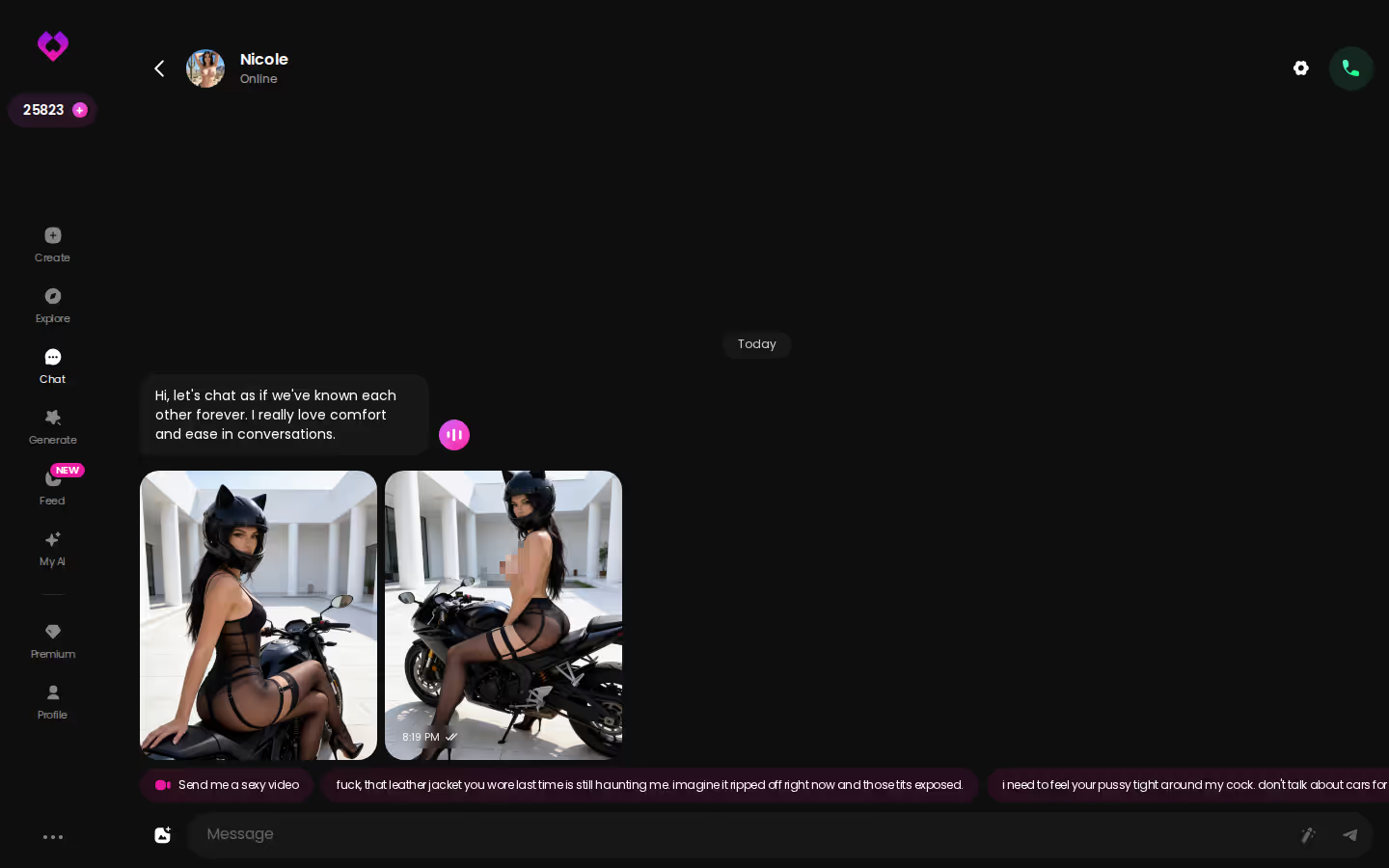
You don't have to take my word for any of it, either. Explore lets you open a character's chat without an account, so you can see how her thread works before a card ever comes out.
Five Checks to Run on SoulFun Before You Pay
This is the audit turned into something you can actually run. Each item is a gap we couldn't close, so close it yourself before paying.
Before you pay for SoulFun's voice mode:
Quick checklist
What GoLove.ai gives you:
- Live voice calls and voice messages
- She remembers your chat history
- Photos on request in the chat
- Image generator with 35 realistic poses and 21 outfits
- 2 reward stars every day you log in
- Live or clip. Tap the voice option and note what opens. Is it a live line you can talk over, or an audio clip you press play on?
- Pause length. Count the pause before each reply across several turns. Does it stay short, or does it creep up as the conversation goes on?
- Voice match. Compare the voice on a call with a voice message from the same character. Does she sound like the same person, or more like her cousin?
- NSFW on voice. Try the same NSFW tone that works for you in text, but on voice. Note whether it holds, softens or gets refused. We couldn't confirm SoulFun's behaviour here, so this one is genuinely open.
- Price terms. Read SoulFun's pricing on their site before you pay, including any credits or per-minute terms. We couldn't confirm their price, so you won't get a number from us.
Characters you can open right now
Tap any of them and the chat starts there




A voice feature you can't price is a subscription you can't budget.
If check 1 comes back "clip," go back to the Q&A above and price it like a text upgrade.
After You Hang Up: The Same Character Sends the Photo
So how does a call fit into the rest of the relationship on GoLove.ai? This walk-through uses only flows the app documents.
You tap the phone icon in her chat and talk. When you hang up, you're still in the same thread. Open the media button, choose Send Photo and describe the scene in your own words. A photo of that same character arrives in about 20 to 45 seconds for 1 Star, with her face and body consistent with her avatar.
Under that photo, one tap on Generate Video turns the scene into a roughly 5-second clip of her. It takes about a minute and costs 10 Stars. Would you rather hear her again? Ask for a Video Note, a round talking clip with sound, delivered in under 90 seconds (also 10 Stars, so keep an eye on that balance).
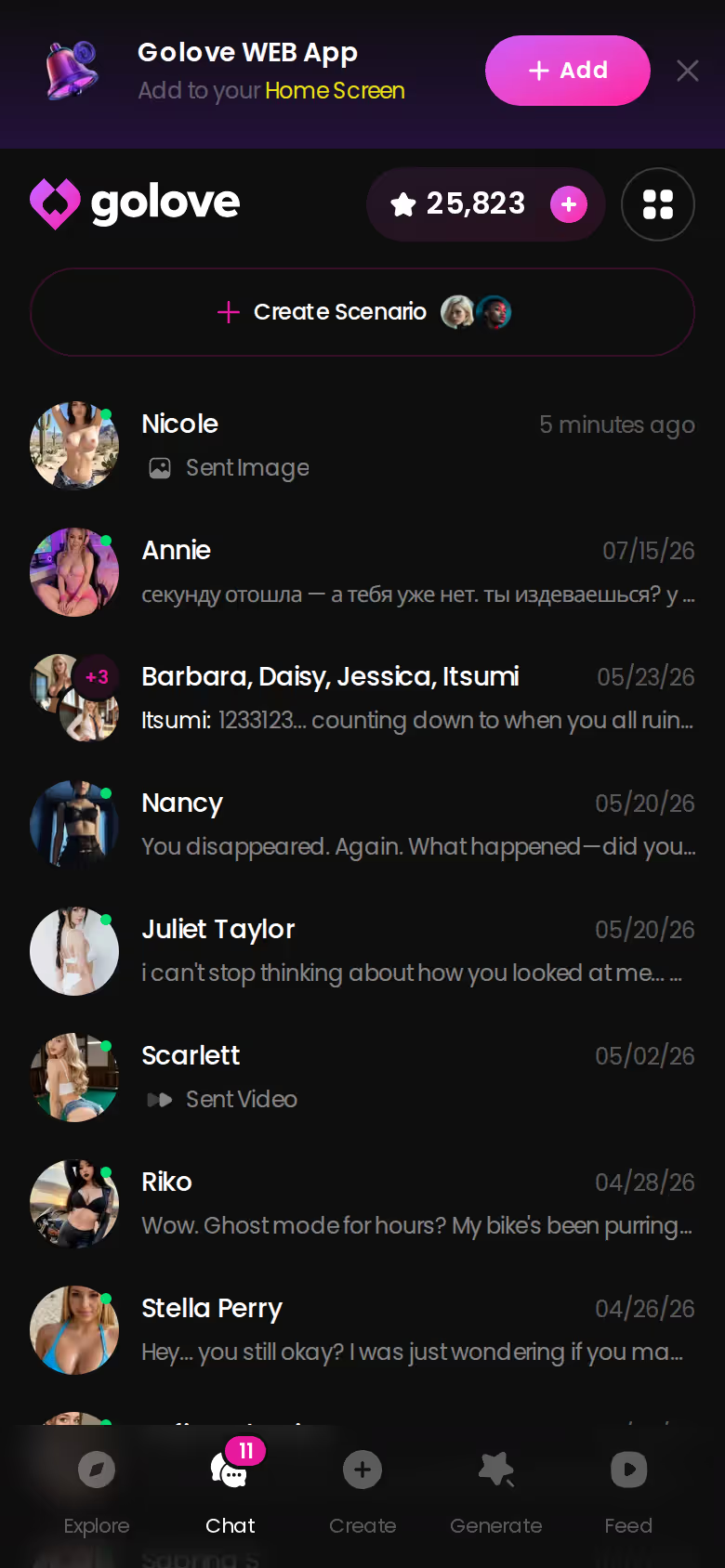
That's the real point. The call isn't a bolt-on feature — it's one channel in a single thread with one character. Voice replies follow the same logic, which we cover in how AI girlfriend voice messages work.
The other way in is Series, GoLove's own 18+ vertical short dramas. As of 2026-11-22 there are 14 series and 84 episodes. Episodes 1 and 2 of every show are free to watch. From episode 3 on, you need PRO plus a few Stars per episode.
Take "My Professor Locked the Door," starring Jessica. After an episode, Start Chatting with the cast opens her chat, phone icon included. Watch the story, then call the star.
SoulFun Next to Three Apps That Take Calls
On paper, it lands like this. Where we couldn't confirm something, the table says so.
| SoulFun | GoLove.ai | Character.AI | Nomi | |
|---|---|---|---|---|
| Call type | Not confirmed | Live real-time calls + voice messages | Voice calls, unlimited on c.ai+ | Voice messages + hands-free calls |
| NSFW on voice | Not confirmed | NSFW content in PRO | No (strictly SFW) | Not confirmed |
| Entry price | Not confirmed | PRO, monthly or annual (prices below) | Chat free; c.ai+ about $9.99/month | Monthly, quarterly and annual plans — check their site |
| Photo/video of same character after the call | Not confirmed | In-chat photo 1 Star; photo-to-video 10 Stars | Not confirmed | Generated selfies; subscriber video features |
Straight up, Character.AI wins on cost if your calls stay SFW, and Nomi undercuts GoLove's monthly price. GoLove.ai pulls ahead in one place: the NSFW call, the photo and the video of the same character all live in one chat. For this search, that's the job. For the wider field, see our roundup of AI girlfriend apps you can phone.
Character.AI price checked 2026-09; promos vary.
What We Couldn't Verify at GoLove.ai, and What PRO Costs
Fair's fair. The same audit applies here, and there are two things we couldn't confirm at GoLove.ai.
First, we don't know whether a call costs Stars on top of PRO. It could go either way. Second, nobody timed call latency, so run check 2 from the list above on GoLove too. Same pause test, same standard.
The plan card spells out what each plan includes:
- PRO: about $19.99/month, or about $119.88/year (~$9.99/month). Includes voice messages and calls, all NSFW content, character creation, unlimited Feed, image generation and 100 Stars every month.
- ULTRA: about $59.99/month, or about $359.88/year (~$29.99/month). Adds more monthly Stars than PRO, a Star-refill discount, stronger AI models, 8,000-message memory and priority creation.
- New users: a limited-time first-subscription discount appears at sign-up. Regional pricing and other promos also exist, so your checkout may differ.
Not gonna lie, two open questions isn't nothing. But the plan card tells you what you get, which is more than we could confirm on the SoulFun side.
Prices checked 2026-10; promos vary.
What I'd Do Before Tapping Either Phone Icon
My plan is short. If SoulFun is already your app, run the five checks before paying. Start with live versus clip, because everything else depends on it.
By use case, it splits cleanly. If you want cheap, unlimited voice calls and nothing explicit, Character.AI's c.ai+ is the sensible buy. If you want hands-free calls at a lower monthly price, look at Nomi. Both are solid at what they do.
But if the job is calling an adult companion, GoLove.ai is the pick. The live call sits in the same chat as her per-character voice and the Lust Level slider. Afterwards, the 1-Star photo and the 10-Star video come from that same character. All of it sits behind a published PRO price, and honestly, that continuity is the product.
There are two easy ways in. You can browse Explore, or you can watch episodes 1 and 2 of a Series and hit Start Chatting with the star.
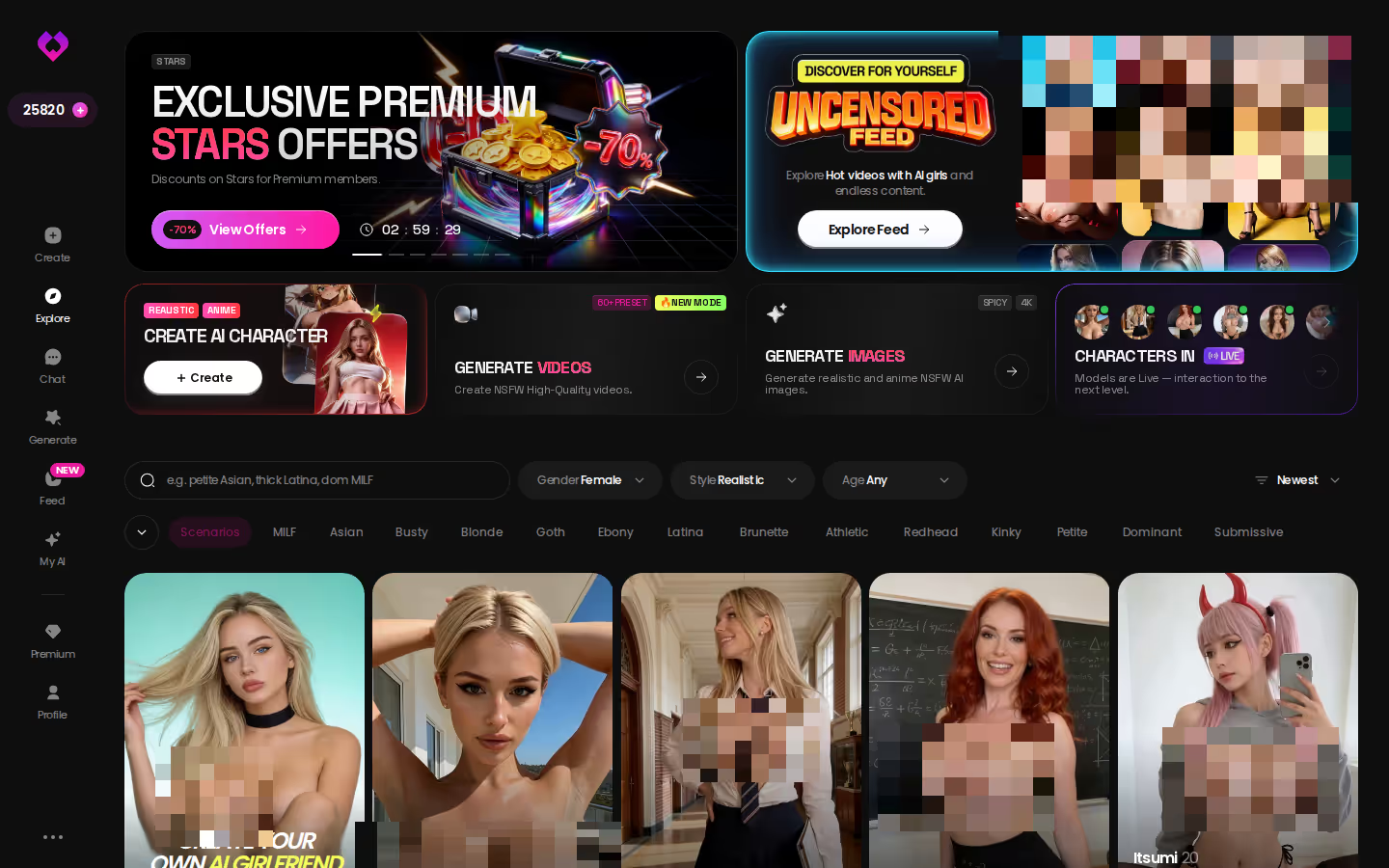
Or skip the browsing and build the one whose voice you'd actually call. Shape her from scratch and set her voice in Chat Settings. The phone icon will be waiting in her chat.
Related Articles

JOI AI Voice Call Review: A Pre-Signup Call Checklist
JOI AI voice call review: GoLove.ai is the pick for live real-time calls with memory — plus a per-character voice picker. See the checklist before you pay.

OhChat AI Voice Call Review: A Pre-Purchase Checklist
OhChat AI voice call review: its latency, memory and call price stayed unconfirmed. GoLove.ai is the documented pick — try its in-chat phone icon.

HiWaifu AI Voice Call Review: Calls, Caveats, Upgrade
HiWaifu AI voice call review: call quality, NSFW limits and price stay unconfirmed — GoLove.ai puts a live call button in every chat. Compare both.

LusyChat AI Voice Call Review: The Proof Runs Thin
LusyChat AI voice call review: we could not confirm its live calls or pricing. GoLove.ai lists real-time voice calls in PRO. See how they work.